Need a strong Image editing software, but not willing to spend most of your money? You’re not alone. Subscription pricing and the high cost of learning have prompted many users to seek alternatives to Adobe Photoshop, though it remains a powerhouse in the creative industry. The correct Photoshop alternative may make your workflow smoother and save you money, whether you are a professional photographer, graphic designer, digital artist or a hobbyist.
The current market provides unbelievable opportunities for free open-source software and low-priced one-time purchases. They provide professional-quality functionality such as sophisticated layer control, nondestructive editing, RAW processing, and creative filters, many of which are equally or more capable in certain respects than Photoshop, and at a reduced price.
Why Consider Photoshop Alternatives?
- Cost Savings: Escape high subscription costs by using free or one-time purchases.
- Easier System Requirements: There are several options that can run on older or weaker computers.
- No Lock-in to Subscription: Introducing the purchase of software, no monthly subscription fees.
- Niche Features: Some options are rich in a particular feature, such as digital painting or processing RAW.
- Cross-Platform Availability: Use the editing tools on Windows, Mac, Linux and even the browsers.
- User-Friendly Interfaces: There are numerous choices to provide less-expert workflows that are more intuitive.
What to Look For in a Photoshop Alternative
- Layer Support: This is necessary in non-destructive editing and sophisticated compositions.
- File Format Compatibility: Opening and Saving PSD, PNG, JPEG, and other formats.
- Adjustment Tools: This feature describes the color, curves, levels and picture enhancement options.
- Selection Tools: Accurate selection features of work in detail edits.
- Functionality: Runs smoothly without hiccups and crashes in editing sessions.
- Learning Curve: The interface that suits your experience and level.
Quick Comparison Table
| Name | Standout Feature | Pricing | Best For | Platform Support |
| GIMP | Free professional tools | Free | Budget-conscious users | Windows, Mac, Linux |
| Paint.NET | Simple interface | Free | Beginners on Windows | Windows only |
| Krita | Digital painting | Free | Artists and illustrators | Windows, Mac, Linux |
| Affinity Photo | One-time purchase | Free (via Canva) / $54.99 | Professional photographers | Windows, Mac, iPad |
| Pixelmator Pro | AI-powered tools | $39.99 one-time | Mac users | Mac only |
| Corel PaintShop Pro | Comprehensive features | $79.99 one-time | Windows photographers | Windows only |
| Photopea | Browser-based editing | Free with ads / $5/month | Quick edits anywhere | Web browser |
| Pixlr | Cloud integration | Free / $4.90/month | On-the-go editing | Web, iOS, Android |
| Fotor | AI enhancements | Free / Paid plans | Social media creators | Web, iOS, Android |
| Darktable | RAW workflow | Free | RAW photographers | Windows, Mac, Linux |
| Inkscape | Vector graphics | Free | Logo designers | Windows, Mac, Linux |
10 Best Photoshop Alternatives in 2026
1. GIMP
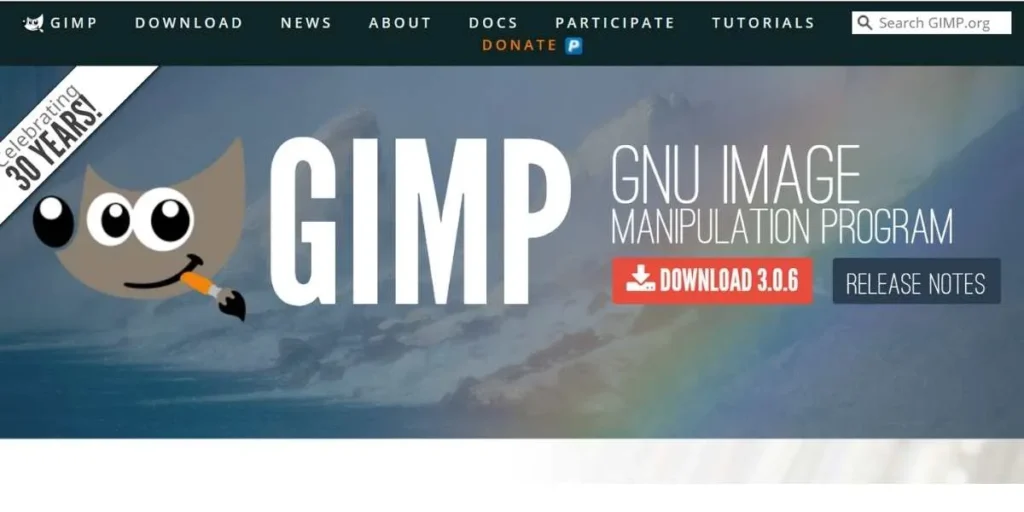
The most popular Photoshop substitute, and its free and open source counterpart, is Gimp (GNU Image Manipulation Program). After decades of development, it has features in the professional category, such as fine-tuning of photos, customizable brushes, user-controllable layers, and a robust bottom router support. Although it is highly skilled, GIMP is more difficult to learn with an interface that appears outdated to current editors.
Key Features:
- Layer manipulation Advanced layer manipulation.
- Customizable brush system
- Extensive plugin ecosystem
- Channel and mask editing
Pricing: Open-source and completely free.
Best For : Users that demand professional features at no cost, can use it with students and cost-effective professionals.
Also Read: Best Image Submission Sites
2. Paint.NET
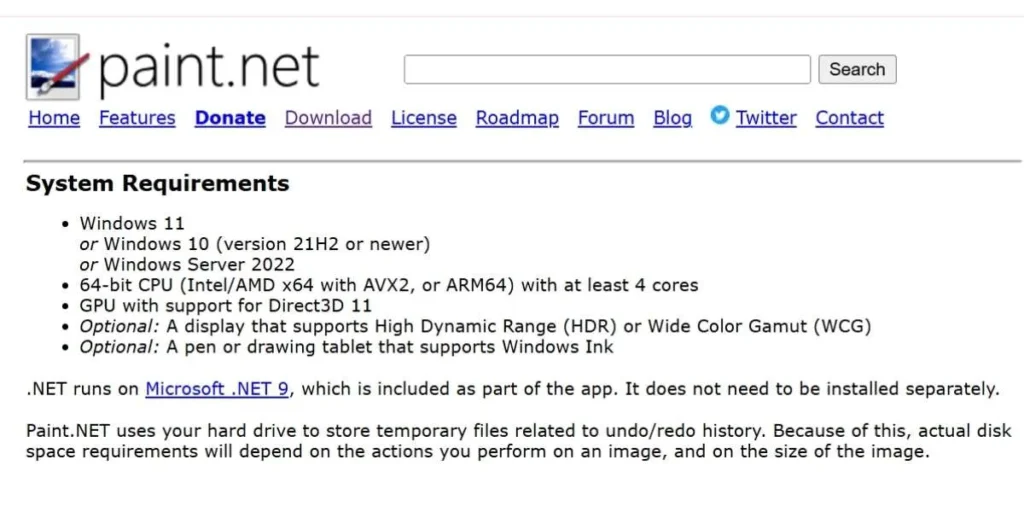
Paint.NET initially began as an alternative to Windows Paint but has developed to be an image editor. Caught between simplicity and utility, it has an easy-to-use interface that is ideal for novices. This is not as advanced as Gimp, but instead of being extremely fast and simple to operate, it suits speedy and simple adjustments to photographs and basic image manipulation on Windows-based operating systems, making it one of the best free Photoshop alternatives for casual users.
Key Features:
- Intuitive user interface
- Layer support basics
- Essential adjustment tools
- Fast performance speed
Pricing: Free with donation optional.
Best For : Windows users who do not need complex photo editing but fast and easy.
3. Krita
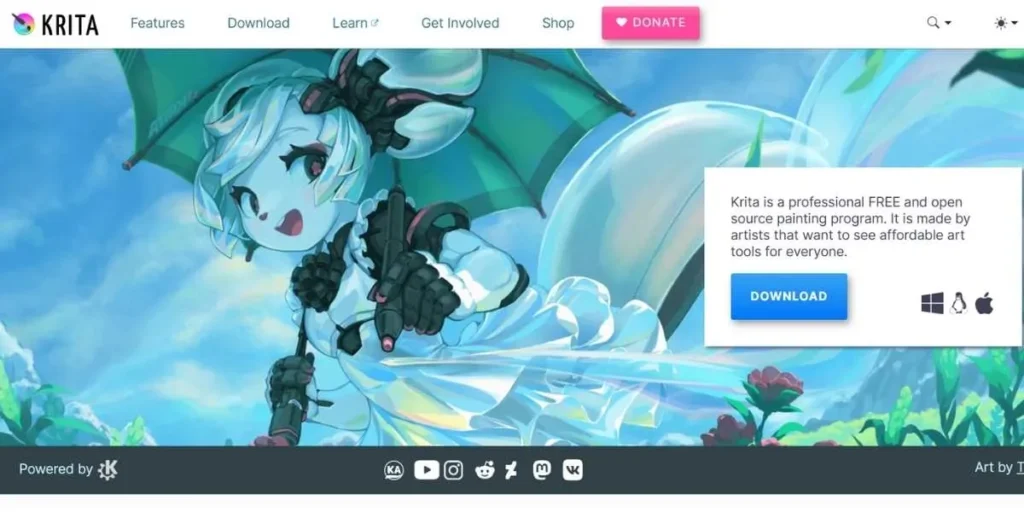
Krita is an open-source and free digital painting software targeted at artists. It also makes the most of brush strokes and canvas tools, and is excellent for illustration, concept art, and texture creation. Although Krita is more oriented toward painting rather than photo editing, the features of this application have great creative capabilities, making it one of the top Photoshop competitors for digital artists and illustrators.
Key Features:
- High quality painting equipment.
- Animation frame support
- Brush stabilization system
- Resource manager included
Pricing: Free and open-source
Best For : Digital artists, illustrators and concept artists who are producing original artwork.
4. Affinity Photo
The new application of Affinity Photo has successfully become the best alternative to Photoshop among individuals who are not willing to spend on subscriptions. It is a recent free offering that has been acquired by Canva and provides professional desktop features such as RAW editing, HDR merging, frequency separation, and advanced retouching. The interface is sleek and contemporary, with performance competing with or even surpassing other options, making it one of the top best Photoshop alternatives for both beginners and professionals.
Key Features:
- RAW processing by professional.
- Non-destructive workflow of editing.
- Advanced layer management
- General adjustment instruments.
Pricing: Free with Canva account (formerly, $54.99 one-time purchase)
Best For : Photographers and designers who prefer to use their software with no subscription.
5. Pixelmator Pro
Pixelmator Pro is a highly rated, award-winning image editing program that is based on maximum power while remaining easy to use, and it is Mac-only. Apple built it with the express purpose of integrating into the Apple system and using its Metal framework to make it fast and powerful in operation. Complex tasks are automated by machine learning features, enabling professionals to create custom edits more affordably and creatively, making it one of the best Photoshop alternatives for Mac users.
Key Features:
- Artificial intelligence-generated improvement tools.
- Automation of machine learning.
- macOS Metal integration
- Clean modern interface
Pricing: $39.99 one-time purchase
Best For : Mac users desiring great editing power, simplicity, and integration with the Apple ecosystem.
6. Corel PaintShop Pro
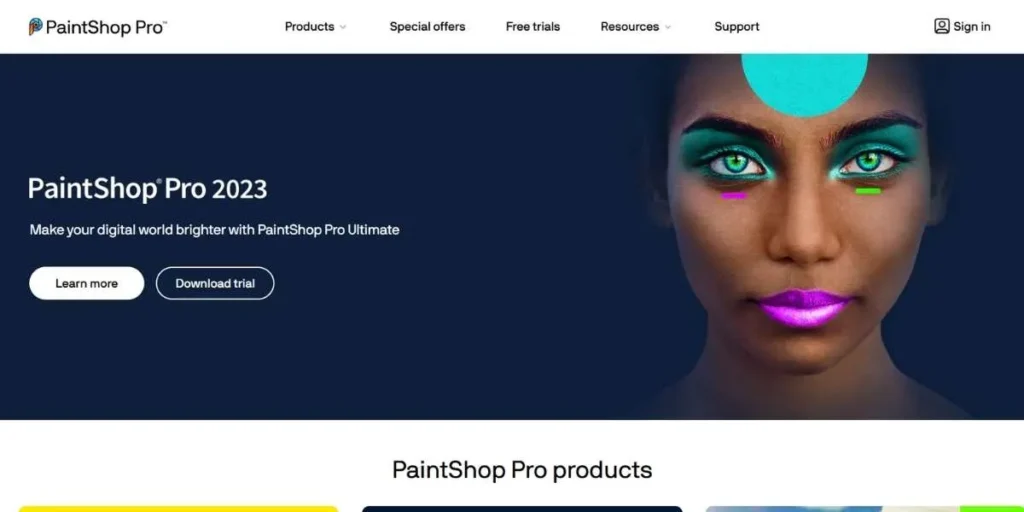
Corel paint shop pro is a complete windows based image editing software that provides almost everything that Photoshop can do at a fraction of the price. It comes with professional options of editing photos, creating graphic designs, and creative work over decades of development. Ultimate is also available in a bonus edition that includes creatives and video capture software.
Key Features:
- AI-powered editing tools
- Complete RAW processing
- Focus stacking capability
- Versatile selection tools
Pricing: Standard- $79.99, Ultimate edition -one-time purchase- $99.99.
Best For : Windows photographers seeking features and not subscriptions.
7. Photopea
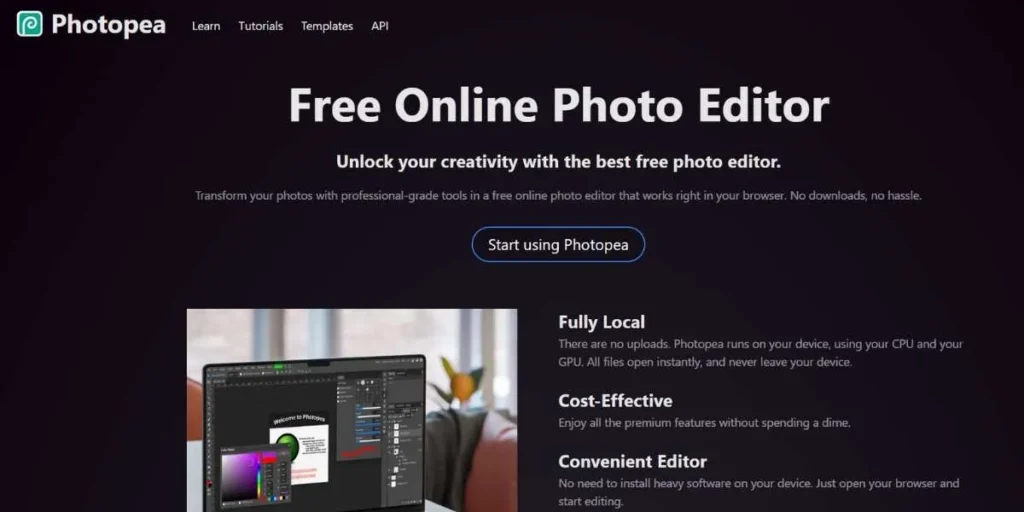
Photopea is a very amazing web-based editor that is very similar to the interface and functionality of Photoshop. It is fully web-based, supports PSD files, and has advanced capabilities, including layers and masks, and does not need to be installed. Files remain on your machine to stay private, which is ideal for editing on any computer or when you cannot install software, making it one of the top free Photoshop alternatives available online.
Key Features:
- Full PSD compatibility
- Advanced layering system
- Browser-based accessibility
- Extensive format support
Pricing: Free, Premium, where the ads are removed, is $5/month.
Best For :When the user requires a Photoshop-like editing without the need to install it on any computer.
8. Pixlr
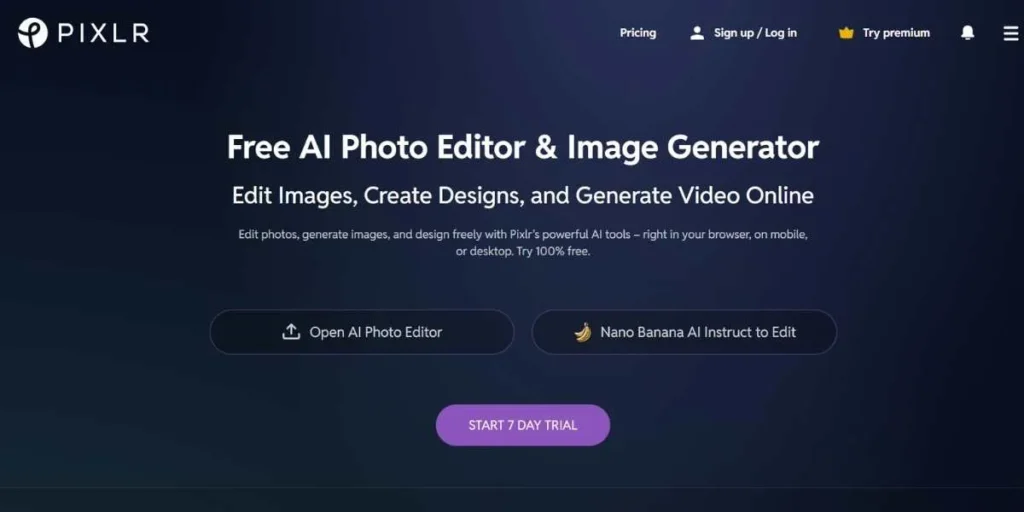
Pixlr has simple and advanced interfaces in photo editing available on clouds. Pixlr X is fast, simple to edit and Pixlr E is highly enhanced with more professional tools. Pixlr can be used to edit anywhere with a network connection using mobile applications and on the web. Complex tasks are simplified with the help of AI-powered capabilities in order to reduce workflow time.
Key Features:
- Dual interface options
- Artificial intelligence-generated improvement tools.
- Cloud storage integration
- Cross-device synchronization
Pricing: Free version, Premium begins with 4.90/month.
Best For : This is best used by the users who desire to have the flexibility and accessibility of editing on various devices.
9. Fotor
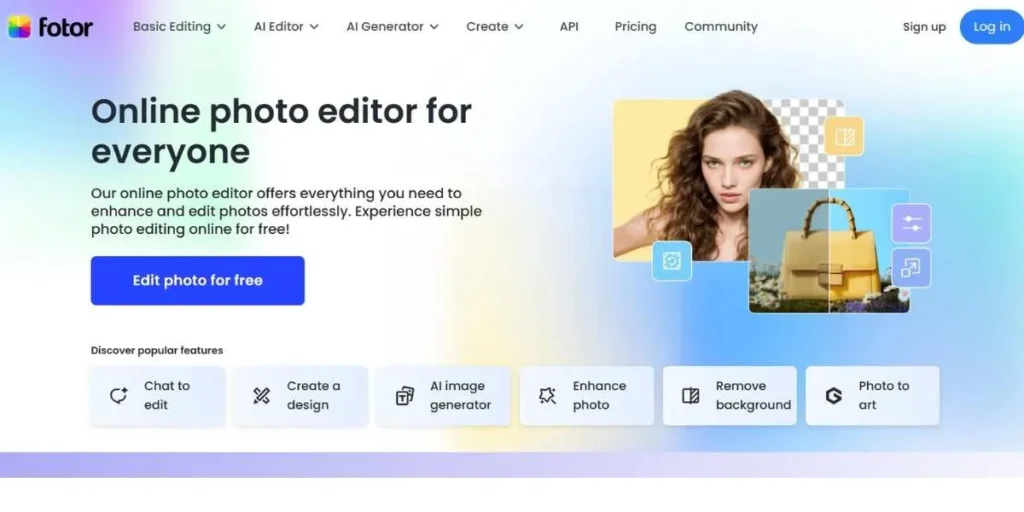
Fotor is a simple and quick internet photo editing software. It is popular among social media creators; it has one-click enhancements, templates, and AI-based tools that provide quick results. Although it is not as strong as Photopea when it comes to advanced editing, Fotor is fast with quick fixes and batch processing, making it one of the best free Photoshop alternatives for creators who want speed and efficiency over complex tools.
Key Features:
- One-click enhancement tools
- Social media templates
- Collage maker included
- Batch processing support
Pricing: Free plan, Pro plans begin at 8.99/month.
Best For : Social media producers and marketers required to make dynamic, appealing edits.
10. Inkscape (vector support)
The most important open-source vector graphics program is Inkscape, which is the gap that Linux users need to operate in the Illustrator manner. Though it is not a raster editor, it can be used to perfectly complement photo editors in the creation of logos, illustrations, and technical drawings. The workflow is created with the help of SVG, which allows a safe level of scalability delivering the graphics which are always crisp whatever the size used, something that is necessary in the contemporary designing world.
Key Features:
- Professional editing of vectors.
- SVG format native
- Detailed drawing applications.
- Path manipulation system
Pricing: Free and open-source
Best For : linux users who want to make logos and illustrations and use vectors.
Conclusion
There has never been a more abundant or more convenient world of Photoshop alternatives in existence. Be it entirely free a la Gimp and Krita, one of the less expensive one-time offers, such as Affinity Photo and Pixelmator Pro, or any of the convenient services, such as Photopea, you will find one that matches your needs and budget. The closer strengths of each option are: the limitless customization of Gimp, professionalism of Affinity Photo, the art orientation of Krita, or universal accessibility of Photopea.
The important thing is to find what is the most important to your workflow: price, functionality, operating system or convenience. These 18 photoshop alternatives give you no more need to be on costly subscriptions. Test free alternative options and subsequently invest in paid options should there be certain features which warrant the price. Democratization of image editing allows everybody to do at the level of professionalism, independent of the budget and technical experience.
Explore Similar Blogs:
FAQs
Is GIMP really as good as Photoshop?
GIMP is highly capable and can even support professional work though it lacks some of the advanced features and is more difficult to learn. GIMP would be sufficient for 90% of users and would cost nothing.
Can Photoshop alternatives open PSD files?
PSD files can be opened and edited in GIMP, Affinity Photo, Photopea, and Krita, which are among the alternatives. However, the movement of some features or effects might not be completely smooth between the programs.
Which alternative is best for beginners?
The most intuitive tools and simplified workflows Paint.NET (Windows), Photopea (browser), and Pixlr offer the most beginner-friendly interfaces. They are much less complicated than Photoshop’s which makes them easier to learn.
Are browser-based editors safe for professional work?
Yes, tools like Photopea ensure safety for confidential work since they process files locally in your browser and do not upload them to servers. However, always check the editor’s privacy policy before using it.
Can I switch from Photoshop to alternatives without losing skills?
Of course. The majority of alternatives share the same basic ideas (layers, masks, selections) so your Photoshop knowledge easily transfers. The instruction on interface differences requires some time but the basis in editing remains the same in all programs.