
Notion has transformed the way we structure our online lives, and it is not the ideal solution for everyone. No matter your irritation with its learning curve, or the fact that you are worried about offline capability, or just want to find more specialised features, it might be worth trying to find tools that fit your workflow more effectively by going through Notion alternatives. The productivity application industry has been flooded with new applications that present their own special methods of managing tasks, taking notes, and collaborating with others.
Starting with open-source solutions and all the way to AI-driven workspaces, the modern concept of alternatives is designed to serve various purposes, be it an individual creator or student, or a leader of a growing team. This ultimate list looks at 15 effective alternatives that can make your productivity change in 2026.
What is Notion
Notion is a single-user workspace software that integrates a note-taking system, project management, databases, and collaboration apps into one unified system. It was introduced in 2016 and lets its users build customizable pages using building blocks such as text, to-do lists, tables, calendars, and embedded content.
The flexibility of the notion has made it a favourite among students, professionals, and teams that desire to centralise their processes without necessarily having to operate on several applications.
Key Features
- Block-based editor: that allows you to blend the various content types on any page in a seamless way.
- Powerful database features: many views (table, board, calendar, gallery, and timeline) are available.
- Template library: a collection of thousands of prepared designs in different applications, from meeting notes to habit trackers.
- Real-time teamwork: allowing collaboration among teams in comments, mentions, and real-time editing.
- Cross-platform: on the web, desktop (Windows, Mac, Linux), and mobile (iOS, Android) platforms.
Why It Is Popular
- Genericity and customisation: enable users to create customised systems that fit their specific workflow needs.
- The interface is so beautiful and intuitive: it makes it easier to arrange the information visually and pleasant to use every day.
- Good community support: There are an infinite number of tutorials, templates, and user-created materials on the Internet, which are free.
- Free tier with generous allowance: it allows one person to create limitless pages and blocks with no cost.
- Constant innovation: the site releases regular updates of features, such as AI features, that make it competitive.
Is Notion Still Relevant in 2026?
- AI integration has made Notion compete at AI-based writing assistance, summarisation, and content generation services.
- Improvements in performance: have overcome previous criticism regarding loading speeds by making the platform much faster.
- Expanding enterprise use: demonstrates that Notion is no longer limited to individual users, but wider enterprise workflows are also being supported.
- Further addition of features: the addition of charts, automation, and enhanced database features ensures the users are not bored.
- Good market share: keeps Notion as a reference point with which any new productivity tool will compare itself.
Strengths & Limitations
Strengths:
- Unparalleled flexibility: in arranging information in the manner you desire wit, without strict templates and regulations.
- All-in-one solution: eliminates fatigue with notes, tasks, wikis, and databases all being kept in one place.
- Great and coordinated collaboration: ensure that the work of the team is smooth with authorization, dialogue, and real-time updates.
Limitations:
- Long learning curve: scares away new users, requiring some time to learn about databases and relational properties.
- Minimal offline access: annoys users where there is a poor internet connection or when travelling.
- Performance problems: It can slow down significantly when using a very large database of many thousands of entries.
- Mobile experience: seems less robust than desktop, and some features are not comfortable to use on smaller screens.
- Excessive flexibility: ironically, it makes it only more difficult to make a choice for those who want more structured and more opinionated tools.
Who Is Notion’s Biggest Competitor?
Microsoft Loop and Coda are arguably the greatest competitors of Notion, but this depends on the case when comparing different Notion alternatives for specific workflows. Microsoft Loop is a product of the Microsoft 365 ecosystem, providing the same collaborative workspace experience at the same level of security as an enterprise and interoperability in Teams, Outlook, and other Microsoft platforms. Coda, in its turn, compares with the direct competition in terms of the capabilities of the database and automation of Notion, and focuses on the strong formulas and integrations.
Others that can compete well are Obsidian to manage personal knowledge and ClickUp to manage project-oriented teams. The competitive environment is still disjointed, and various tools have a very small niche where they are better than the others.
Comparison Of: 15 Best Notion Alternatives (2026)
| Tool | Best For | Free Plan | Open Source | Platform |
| Obsidian | Personal knowledge management | Yes | No | Windows, Mac, Linux, iOS, Android |
| Coda | Team collaboration & automation | Yes | No | Web, iOS, Android |
| ClickUp | Project management | Yes | No | Web, Windows, Mac, Linux, iOS, Android |
| Evernote | Note-taking & organization | Yes | No | Web, Windows, Mac, iOS, Android |
| Microsoft OneNote | Note-taking with Office integration | Yes | No | Web, Windows, Mac, iOS, Android |
| Confluence | Enterprise wiki & documentation | Yes | No | Web, iOS, Android |
| Logseq | Personal knowledge graphs | Yes | Yes | Windows, Mac, Linux, iOS, Android |
| Roam Research | Networked thought | No | No | Web, iOS, Android |
| Anytype | Privacy-focused workspace | Yes | Yes | Windows, Mac, Linux, iOS, Android |
| Airtable | Database-first workflows | Yes | No | Web, iOS, Android |
| Monday.com | Visual project management | Yes | No | Web, iOS, Android |
| Trello | Kanban-style task management | Yes | No | Web, Windows, Mac, iOS, Android |
| Google Keep | Simple quick notes | Yes | No | Web, Android, iOS |
| Capacities | Object-based note-taking | Yes | No | Web, Windows, Mac |
| AppFlowy | Open-source Notion clone | Yes | Yes | Windows, Mac, Linux, iOS, Android |
List of Best Notion Alternatives by Use Case
A) Best Notion Alternatives for Personal Use
1. Obsidian

Obsidian is an effective knowledge management platform that is based on markdown files that are kept on your computer and is often compared with Notion alternatives for personal knowledge workflows. It is also good at establishing interconnections between notes, which are bidirectional, and allowing you to create a personal knowledge graph.
In contrast to cloud-based options, Obsidian puts a high value on data ownership and privacy and provides a wide level of customisation with community plugins. The graph view, which is available in Obsidian, is ideal for the researcher, writer, or anyone who is constructing a second brain because it shows the relationships between your ideas in attractive ways.
Key Features:
- Bi-directional connecting system.
- Local storage (markdown-based).
- Graph view visualisation
- Extensive plugin ecosystem
Why Choose This Over Notion: Full offline functionality, all data ownership, and enhanced performance.
Pricing:
- Free: Core app (local notes)
- Sync: ~$4–$5/user/month (encrypted sync)
- Publish: ~$8–$10/site/month (note publishing)
- Catalyst: $25 one‑time (updates, beta)
- Commercial: $50/user/year
Website Link: https://obsidian.md
2. Capacities
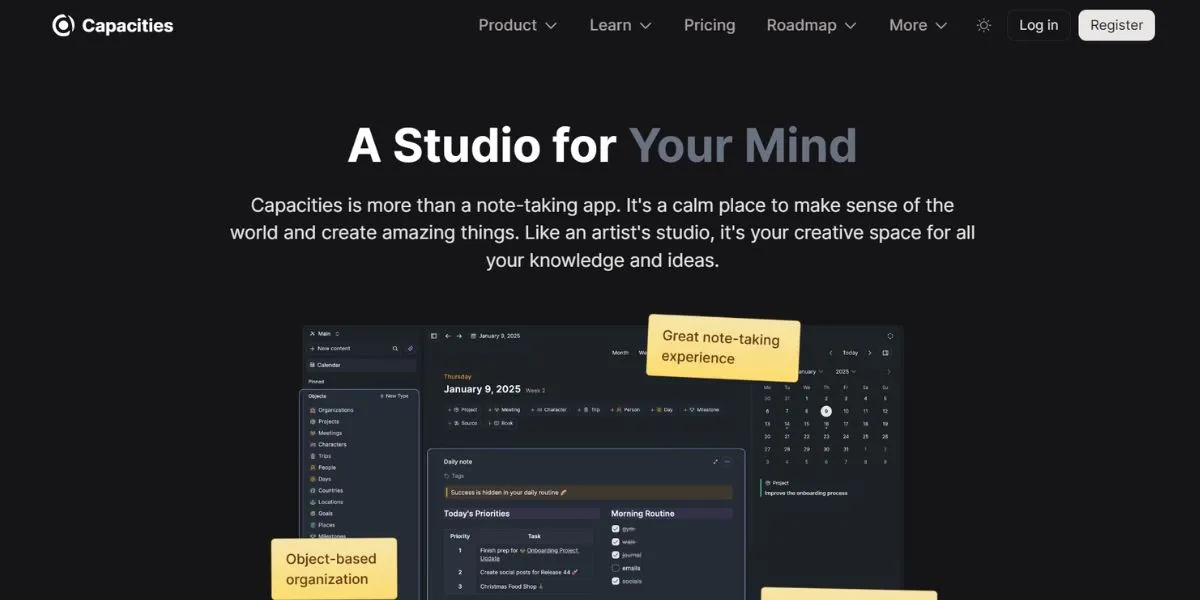
Capacities are an emerging new method of taking notes based on objects instead of pages and are often explored among Notion alternatives for structured personal knowledge systems. Capacities do not need to create individual pages for each note; information is classified into a type, such as people, books, meetings, or any other type you make up.
This is an object structure that assists in ensuring consistency and facilitates strong filtering and links. It has a clean and modern interface, including daily notes, a calendar view, and network graphs that display object relationships.
Key Features:
- Organisation of notes in objects.
- Built-in templates system
- Artificial intelligence-driven content generation.
- Graphical representation of networks.
Why Choose This Over Notion: Organisational complexity simplified to achieve personal knowledge management over a structured object system.
Pricing:
- Free: Personal use with core features
- Pro: $12/month (billed annually)
- Teams: Custom pricing
Website Link: https://capacities.io
3. Logseq

Logseq is a local-first and open-source outliner-based knowledge management application that is privacy-focused and frequently discussed among Notion alternatives for users who value data control. It takes the most effective features of note-taking and task management due to its bullet-point structure and strong queries.
Logseq has extensions to Markdown and org-mode, so it can be adapted to any workflow. The graph database format of the platform allows advanced connections between notes, and the block-level references of the platform allow granular connections, which many alternatives to Notion do not offer.
Key Features:
- Note structure: Outliner-based note structure.
- Block-level references
- Complex query functionality.
- Open-source and local-first
Why Choose This Over Notion: Privacy-first with potent outliner workflow and total data control.
Pricing:
- Free for all features
- Sync service (optional): $5/month
Website Link: https://logseq.com
B) Best Notion Alternatives for Note-Taking
4. Evernote
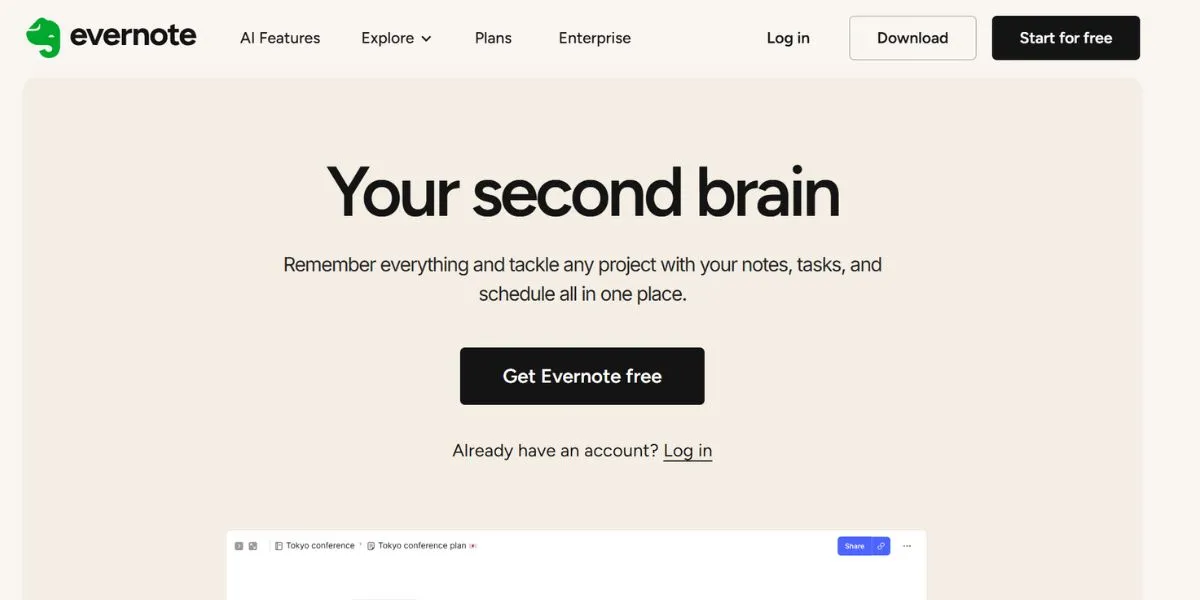
Evernote is the first to introduce digital note-taking and is still amongst the most inclusive solutions in capturing, organising, and locating information when compared with modern Notion alternatives. Evernote is great at ensuring that all that you save is searchable through its powerful search features, such as handwriting and image text recognition.
The system allows various types of notes, web clips, document scanning, and audio recordings. This is accomplished by its tagging system and notebooks, which offer flexibility of organisation, and its latest updates have updated the interface and performance.
Key Features:
- OCR text recognition
- Web clipper extension
- Strong search engine capability.
- Cross-device synchronization
Why Choose This Over Notion: Better search features and an adult mobile experience of getting information.
Pricing:
- Free: 60MB monthly upload, 2 devices
- Personal: $10.83/month (billed annually)
- Professional: $14.17/month (billed annually)
Website Link: https://evernote.com
5. Microsoft OneNote
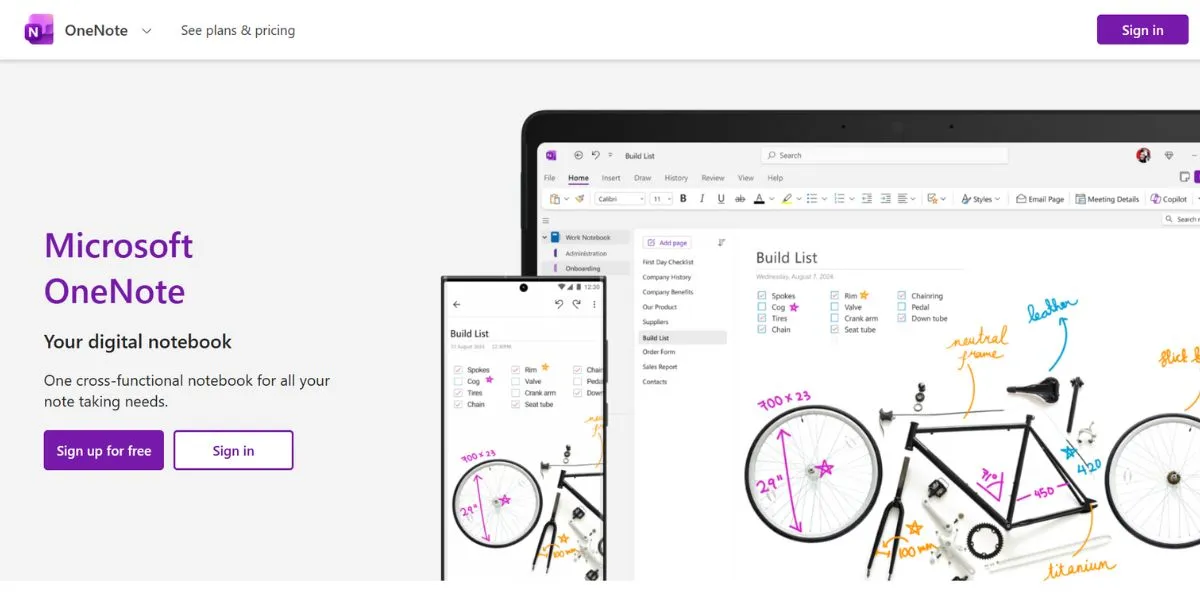
Microsoft OneNote provides a digital notebook experience that is natural and familiar and is often considered among Notion alternatives for users who prefer structured note organisation, sorted into notebooks, sections, and pages. It has a free-form canvas that lets you place content anywhere on the page, making it great for visual thinkers and those who want greater flexibility in a linear document.
OneNote is tightly integrated with the Microsoft 365 applications, can be used to handwrite and draw on touchscreen devices, and has robust collaboration functionality with teams who are already using the Microsoft ecosystem.
Key Features:
- Freeform canvas layout
- Microsoft 365 integration
- Drawing and handwriting assistance.
- Free with unlimited storage
Why Choose This Over Notion: Free of charge with a Microsoft account,t and better at taking handwritten notes.
Pricing:
- Free with a Microsoft account
- Included with Microsoft 365 subscriptions
Website Link: https://www.onenote.com
6. Bear
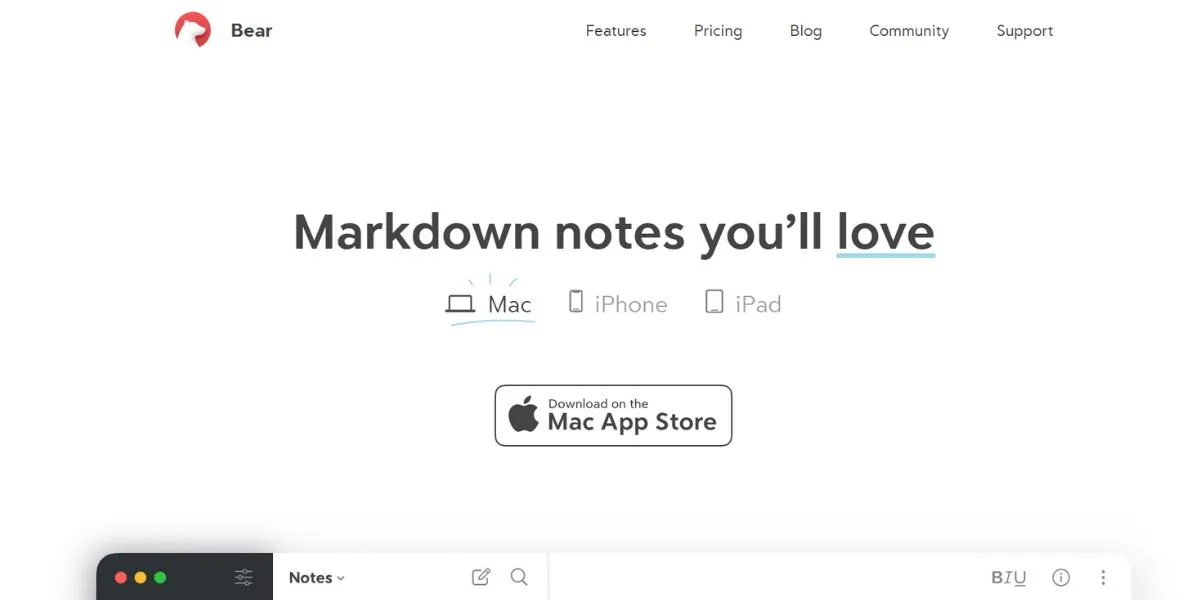
Bear is an attractive note-taking app on Apple devices that is designed exclusively for Apple platforms, focusing on the writing experience and aesthetics. Bear, a no-distraction writing experience that provides strong organisational capabilities with nested tags, continues to be a fast and simple writing tool. The application facilitates markdown text formatting, cross-note links, and advanced export settings.
The writing experience is lovely due to the fancy themes and fonts, and everything is always at your fingertips because Bear organises by tags and does not employ complex folder systems that intimidate you.
Key Features:
- Elegant markdown editor
- Nested tag organisation
- Cross-note linking
- Integration of the Apple ecosystem.
Why Choose This Over Notion: Beautiful and device-optimised distraction-free writing.
Pricing:
- Free: Basic features
- Bear Pro: $2.99/month or $29.99/year
- Advanced features include sync and export options
Website Link: https://bear.app
C) Best Open-Source Notion Alternatives
7. AppFlowy
AppFlowy is an open-source project directly aimed to be an alternative to Notion and is widely discussed among Notion alternatives, with comparable functionality without a vendor lock-in and a block-based editor written in Flutter, database views, and custom workspaces.
The project is focused on data privacy and security via local-first architecture without compromising the flexibility that has led to the popularity of Notion. Being an open-source tool that is actively developed, AppFlowy is open to community input.
Key Features:
- Blocks for the editing interface.
- Database and board views
- Local-first architecture
- Self-hosting capability
Why Choose This Over Notion: Open-source freedom with comparable functionality and the ability to own all the data.
Pricing:
- Completely free and open-source
- Self-hosted or cloud options available
Website Link: https://www.appflowy.io
8. Anytype
AnyType is a collaboration between the flexibility of Notion and the decentralisation of blockchain and end-to-end encryption to ensure the highest level of privacy. It is a free knowledge management application based on local-first, with your data syncing peer-to-peer without central databases.
The object-oriented design of Anytype allows you to design your own types with particular properties and relationships, and the graph view shows the relationship between ideas. The privacy and ownership of users of the platform render it an attractive option in terms of privacy among alternatives to the notion.
Key Features:
- End-to-end encryption
- Peer-to-peer synchronization
- Object-based organization
- No vendor lock-in
Why Choose This Over Notion: Maximum privacy and data sovereignty with a decentralised architecture.
Pricing:
- Free during beta
- Future monetization through optional storage and collaboration features
Website Link: https://anytype.io
9. Outline

Outline is a collaborative, open-source team wiki and knowledgebase platform that is tailored toward team documentation and is often evaluated among Notion alternatives for structured team knowledge sharing. Outline is a clean and modern web-based application that aims to assist teams in developing and maintaining living documentation, inspired by Notion.
The platform promotes real-time cooperation, the use of markdown, and the subordination of documents. Outline is compatible with Slack and provides a search feature. Outline may be installed on the infrastructure, and the organisation may maintain full power over sensitive corporate knowledge and documentation.
Key Features:
- On-the-fly communication editing.
- Document hierarchical structure.
- Slack integration
- Self-hosting options
Why Choose This Over Notion: It is a purpose-built team documentation tool that is self-hosted.
Pricing:
- Self-hosted: Free (open-source)
- Cloud hosted: $10/user/month
Website Link: https://www.getoutline.com
D) Best Notion Alternatives for Teams
10. Coda

Coda reinvisions documents as strong applications and is frequently positioned among Notion alternatives for teams, which unite the functionality of spreadsheets, databases, and collaborative documents. Coda can be used to create a team of non-coders, enabling the creation of complex workflows and automations using advanced formulas and integrations.
The platform is outstanding at generating interactive document types with calculations that are automatically updated, data transferred between fields, and buttons that cause actions. The Coda pack system is connected to such external services as Google Calendar, Slack, and GitHub, therefore, becoming a distal point of teamwork.
Key Features:
- Formula and automation engine.
- Document building that is interactive.
- Extraneous service integrations.
- Template marketplace
Why Choose This Over Notion: More robust when it comes to workflow automation and complicated teamwork.
Pricing:
- Free: Unlimited docs for individuals
- Pro: $12/doc maker/month
- Team: $36/doc maker/month
- Enterprise: Custom pricing
Website Link: https://coda.io
11. ClickUp

ClickUp is the company that positions itself as the one app that replaces all the others and provides all-inclusive project management, documents, and collaboration software. Being able to customise multiple views, such as lists, boards, Gantt charts, and calendars, ClickUp can be adjusted to any type of project management approach. The platform has time tracking, goal setting, customizable dashboards, and has vast automation features.
The everything-approach of ClickUp has further made it especially appealing to the teams that would like to streamline all of the workflow into one of the most feature-packed alternatives to Notion on the market.
Key Features:
- Multiple project views
- Built-in time tracking
- Advanced automation rules
- Customizable dashboards
Why Choose This Over Notion: offers more features with built-in time tracking in a project manager.
Pricing:
- Free Forever: Basic features
- Unlimited: $7/user/month
- Business: $12/user/month
- Enterprise: Custom pricing
Website Link: https://clickup.com
12. Confluence
Confluence is the team collaboration and documentation system of Atlassian and is often considered among Notion alternatives for enterprise environments, which is an enterprise-level product and is strongly integrated with other Atlassian products, including Jira. Larger organisations will find Confluence to be an effective solution to establish organised knowledge bases, project documentation, and meeting notes with an extensive permission and governance system.
The platform is pro-template and collaborative, as well as powerful in all content search. The enterprise focus of Confluence also offers high-level security, compliance capabilities, and administrative controls, which are appropriate for organisations with stringent requirements.
Key Features:
- Security controls at the enterprise level.
- Atlassian and Jira integration.
- State-of-the-art permissions system.
- Template library
Why Choose This Over Notion: Enterprise-ready and better security and integration with the Atlassian ecosystem.
Pricing:
- Free: Up to 10 users
- Standard: $6.05/user/month
- Premium: $11.55/user/month
- Enterprise: Custom pricing
Website Link: https://www.atlassian.com/software/confluence
E) Free Notion Alternatives
13. Google Keep
Google Keep is simple and fast to use, and it allows you to capture notes quickly without the hassle of using full-fledged note alternatives. It is a lightweight note-taking application that is suitable for creating quick text notes, checklists, voice memos, and image notes that have optional reminders.
The system of colour-coding and labelling by Keep offers some basic organising, but its close affiliation with the Google services allows it to work on any device. This is because the app is presented in a minimalist way, and you can always capture ideas in real-time without going through interfaces or choosing how to present the ideas.
Key Features:
- Quick note capture
- Voice-to-text transcription
- Location-based reminders
- The integration of Google services.
Why Choose This Over Notion: Simple note capture is lightning-fast and has no complexity or learning curve.
Pricing:
- Completely free with a Google account
Website Link: https://keep.google.com
14. Trello
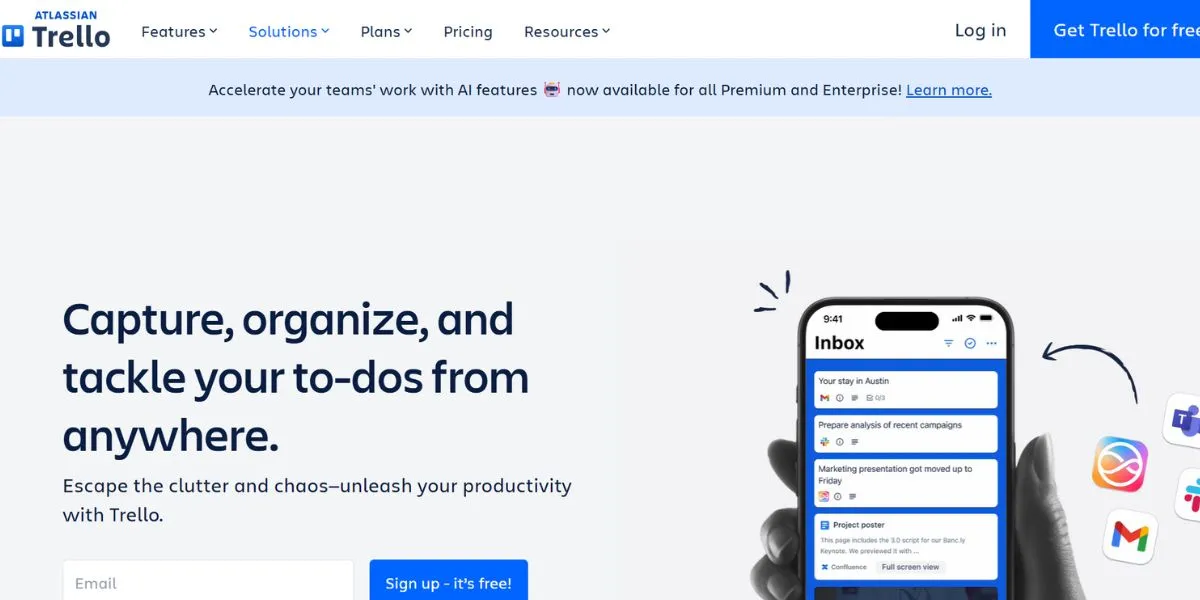
Trello made the use of the kanban board method of task management popular due to its simple card-and-board system, and is often listed among Notion alternatives for visual workflow tracking. Trello shows the project workflow with the help of visual boards, lists, and cards to make it visible and collaborative.
The simplicity of the platform makes it friendly to both individuals and teams, and power-ups can be used to expand its functionality with integrations, automation, and custom fields. Trello is effective in agile processes, content calendars, and any process that is advantageous to follow the steps visually.
Key Features:
- Kanban board interface
- Power-ups for extensions
- Butler automation
- Unlimited personal boards
Why Choose This Over Notion: Visual task management that is better, with a simpler interface and more focused.
Pricing:
- Free: Unlimited cards and members
- Standard: $5/user/month
- Premium: $10/user/month
- Enterprise: $17.50/user/month
Website Link: https://trello.com
15. Monday.com
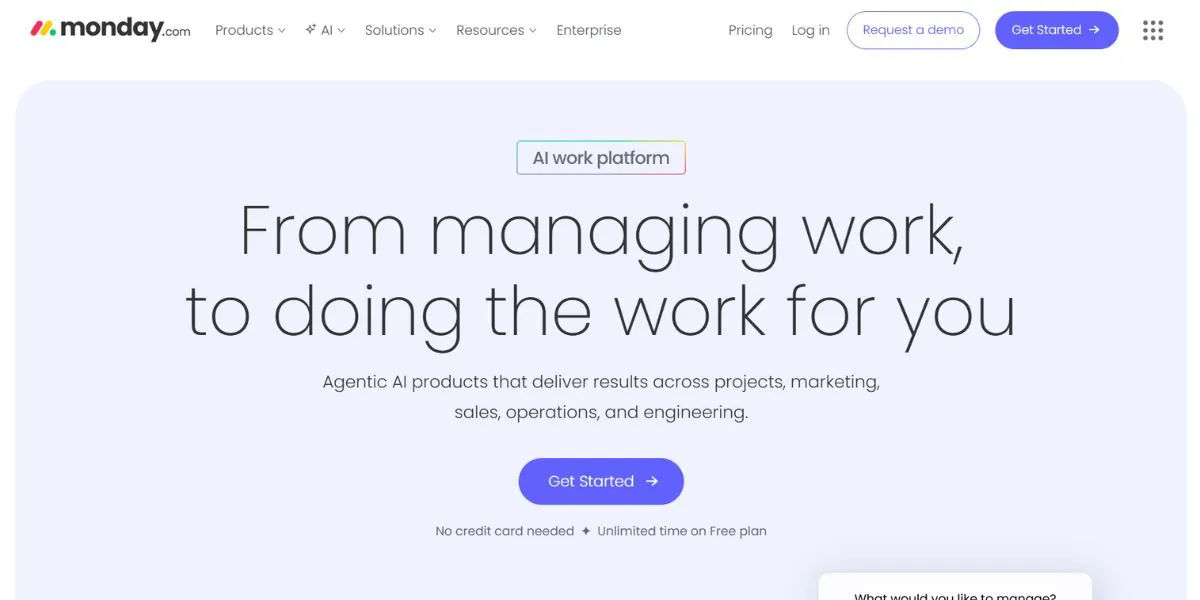
Monday.com provides visual project management with visually appealing and customizable boards that help to make collaborating in a team exciting and transparent. The platform is flexible to different workflows by provisioning marketing, sales, HR, development, and other templates. The views of the timelines and automation recipes, as well as the integration ecosystem of Monday.com, provide a full work operating system.
Although it is more project-management oriented than documentation, it is competing with the other notion alternatives with its combination of planning, tracking, and collaboration features and a friendly interface.
Key Features:
- Colorful visual boards
- Recipes for workflow automation.
- Multiple project views
- Extensive integrations
Why Choose This Over Notion: More visual-intuitive as a project management tool and for teamwork.
Pricing:
- Free: Up to 2 seats
- Basic: $9/seat/month
- Standard: $12/seat/month
- Pro: $19/seat/month
- Enterprise: Custom pricing
Website Link: https://monday.com
Free Alternatives to Notion AI
- ChatGPT Free Tier is a potent AI tool to write, brainstorm, and generate content with no limitations.
- Google Bard/Gemini is a conversational AI service that is built upon Google’s research and knowledge base, search.
- Microsoft Copilot (previously Bing Chat) provides free users with AI-based help with the integration of web search.
- Obsidian as a community AI: allows the local use of AI features based on free API tiers across providers.
- Logseq AI integration: With the help of plugins, it is possible to connect free AI services to complement their note-taking possibilities.
How to Choose the Right Notion Alternative
- Which is your main application: Are you taking notes, managing a project, managing knowledge, or collaborating with a team to locate specific tools?
- Think about your workflow: are you more of a structure or flexibility person, a visual or text person?
- Consider privacy and data ownership: requirements, in particular, whether sensitive information is processed or local-first storage is desired.
- Test integration features: using tools you currently use, such as Slack, Google Workspace, or the development services you use every day.
- Begin with free plans: to see what the real workflow will be like before investing money in it, interfaces may vary greatly between descriptions and reality.
Conclusion
A search of the alternatives of Notion shows that a highly rich ecosystem of productivity tools exists, and when evaluating Notion alternatives, each comes with its strong and weak areas. Although Notion is still an effective all-in-one solution, other competitors, such as Obsidian, have better knowledge management, Coda offers more automation, and ClickUp has full project management. Open-source solutions such as AppFlowy and Anytype are privacy and data-ownership-based.
The decision to make will be completely based on what you need, be it as an individual working on your own collection of knowledge, as a group that needs a solid team, as an enterprise that needs to be secured, and so on. These 15 notion alternatives are explored so that you are empowered to discover solutions that will optimize your productivity and not cripple it. It should be borne in mind that the ideal tool is one that you will use regularly, and feature checklists should be given second priority over workflow fit.
FAQs
What is the best alternative to Notion, which is free?
The personal knowledge management system is Obsidian, and the task management system is Trello, which has a good free trial, and no payment is needed to use the basic functionality.
Does it have any open-source alternatives to Notion?
AppFlowy, Logseq, Anytype, and Outline are all open-source and offer the same functionality as Notion with full transparency and the option to self-host.
What is the most effective Notion alternative offline?
Obsidian and Logseq work well offline because they save data on the computer as markdown, which provides the full functionality even without a connection to the internet.
Is it possible to migrate my data from Notion to other platforms?
Even the majority of Notion alternatives accept imports of Notion exports, but the process differs, with Obsidian, AppFlowy, and Coda providing documented migration paths.
Which is the most appropriate Notion alternative regarding teams?
The listed options are Coda as a workflow automation, ClickUp as a project management tool, or Confluence as an enterprise documentation tool bas, based on the specific needs of your team.