Technical SEO is the foundation of effective internet presence in the constantly changing environment of digital marketing. The world of technical SEO tools, regardless of whether you are an experienced SEO expert or a novice in the game, can be the difference between a successful and a failed website.
These aid you in finding crawl errors, repairing dead links, increasing your site speed, and ensuring that your site is in line with search engine demands. 2026, with novel algorithm updates and ranking factors, has never been a time when the choice of the appropriate tools is more important. In this definitive guide, the author discusses the 10 best technical SEO tools that can assist you in optimizing the foundation of your site and ascending to the rankings of the search engines.
What Is Technical SEO?
Technical SEO is a term that is used to describe the process of making your website more organized to allow search engines to crawl, index, and comprehend your content in a more efficient manner. Compared to content-based techniques, technical SEO addresses a group of measures, such as site speed, mobile responsiveness, XML sitemaps, structured data, and HTTPS security.
It makes sure that your website is well structured, optimized, and accessible to the users and search engine robots. With good technical SEO, the search engines can find your pages with ease and learn the context as well as rank them accordingly on the search results, hence finally attracting more organic traffic to your site.
Difference Between Technical SEO and On-Page SEO
| Aspect | Technical SEO | On-Page SEO |
|---|---|---|
| Purpose | Improves website performance and crawlability | Improves content relevance and user experience |
| Focus Area | Website backend and structure | Website content and page elements |
| Main Goal | Help search engines crawl and index pages properly | Help pages rank for target keywords |
| Key Elements | Site speed, mobile-friendliness, indexing, crawling | Content quality, keywords, headings |
| URL Structure | Optimizes URL format and hierarchy | Uses SEO-friendly URLs |
| Page Speed | Core focus area | Minor impact |
| Mobile Optimization | Ensures responsive design | Ensures content fits mobile users |
| Meta Tags | Not a primary focus | Optimizes title tags & meta descriptions |
| Schema Markup | Implemented for better indexing | Used to enhance search appearance |
| Internal Linking | Structural linking | Contextual linking within content |
| Tools Used | Google Search Console, PageSpeed Insights | Keyword tools, content editors |
| Who Handles It | Developers / Technical SEO experts | Content writers / SEO specialists |
What Technical SEO Tools Are
Technical SEO tools are tools that help check if a website is working properly for search engines. They find problems like slow speed, broken pages, or indexing issues. These tools help make a website easier for Google to read and rank. They DO:
- Website crawling and indexing tools will find these problems.
- Site speed and Core Web Vitals performance analyzers.
- Audit tools that search through broken links, duplicate content, and errors.
- Technical health and search engine visibility monitoring systems.
- Actionable reporting solutions to yield optimization.
Why You Need Technical SEO Tools
- Find unnoticed problems that do not allow the indexing of your site by search engines.
- Save time: automating tricky technical audits and crawls.
- Enhance user experience: by increasing load time and mobile optimization.
- Make a stay competitive: through observing technical health relative to industry standards.
- Correct rankings: by correcting severe mistakes that affect the visibility of search.
Quick Comparison Table: Technical SEO Tools
| Name | Purpose | Free/Paid | Best Use Case |
| Google Search Console | Index monitoring | Free | Essential baseline monitoring for all sites |
| Screaming Frog | Site crawling | Free/Paid | Detailed technical audits for small-medium sites |
| SEMrush | All-in-one SEO | Paid | Comprehensive SEO with competitive analysis |
| Ahrefs | Backlink & audit | Paid | Combining technical SEO with link building |
| Sitebulb | Visual auditing | Paid | Client reporting and visual issue identification |
| Google Lighthouse | Performance testing | Free | Quick performance and Core Web Vitals checks |
| GTmetrix | Speed analysis | Free/Paid | Detailed page speed optimization |
| Bing Webmaster Tools | Bing optimization | Free | Multi-search engine coverage |
| WebPageTest | Advanced testing | Free | Deep performance analysis for specialists |
| Lumar | Enterprise crawling | Paid | Large-scale websites and enterprise needs |
10 Best Technical SEO Tools (Paid + Free) – 2026 Ranking
1. Google Search Console
- Tool Type: Free web-based platform
- Primary Technical SEO Use: Monitor site indexing and performance
- Ratings: 4.6/5
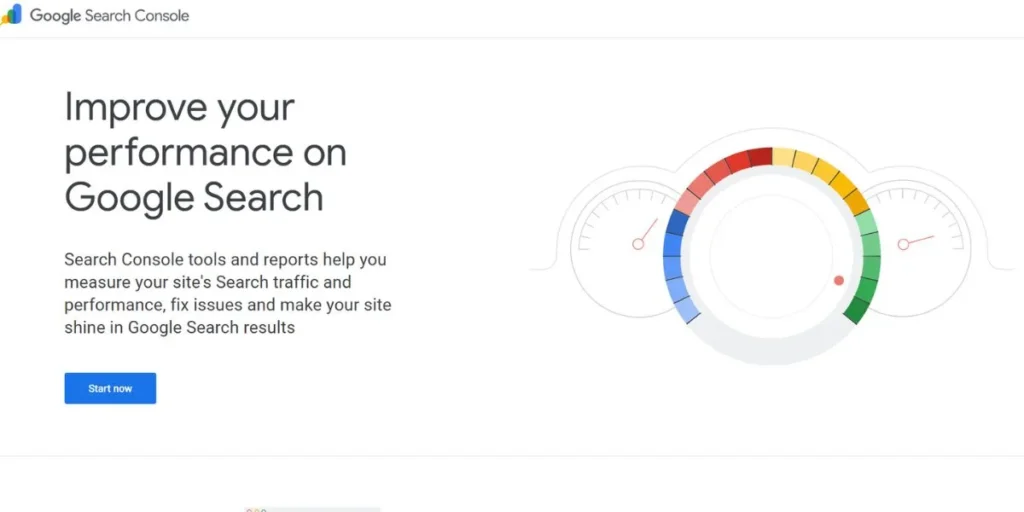
Google Search Console is the primary technical search engine tool that all web owners will have to employ in 2026. This is a free site that gives direct information provided by Google regarding how well your site is doing in search, the indexing level and the health of your site. It warns about such essential problems as security concerns, mobile usability, and Core Web Vitals indicators.
The tool allows you to upload sitemaps, request URL indexing, and decode what queries create traffic to your site. Search Console offers invaluable intelligence built on the backbone of any successful technical SEO strategy with real-time data of the top search engines in the world.
Key Features:
- Index coverage reports
- Core Web Vitals monitoring
- Mobile usability testing
- URL inspection tool
Website Link: https://search.google.com/search-console/about
2. Screaming Frog SEO Spider
- Tool Type: Desktop crawler software
- Primary Technical SEO Use: Comprehensive website crawling analysis
- Ratings: 4.7/5
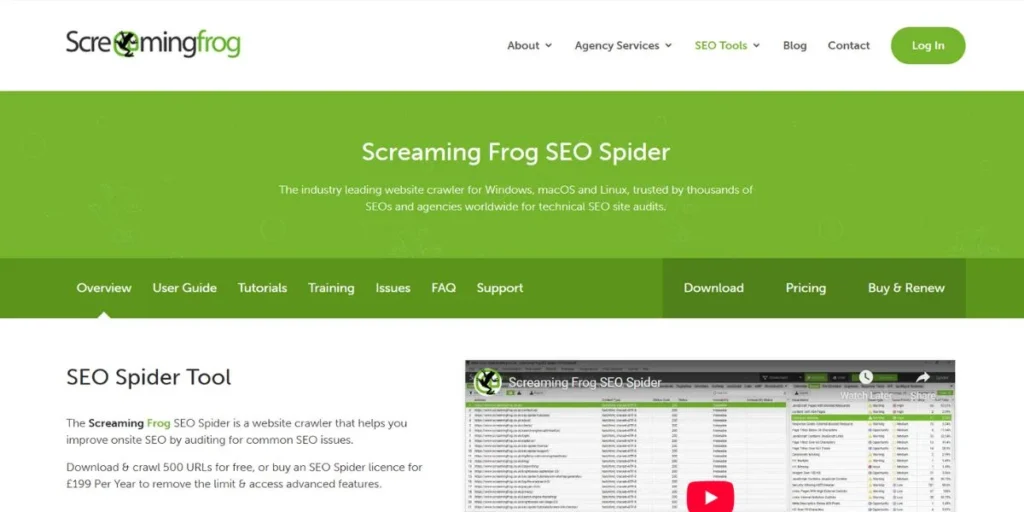
Screaming Frog SEO Spider has gained its position as the desktop crawler of choice as far as technical SEO specialists are concerned. It is a potent software that imitates the search engine bots by crawling all the pages on your site and capturing the important information about each one. It detects broken links, metadata analysis, duplicate content, redirect audit, and complete XML sitemaps.
The free one is limited to 500 URLs, which is sufficient for smaller sites, but the paid one allows infinite crawling. This is necessary because it has detailed reports and a customizable extraction, which can be used to perform comprehensive technical audits. Screaming Frog provides professional-level analysis regardless of whether it is an agency or in-house SEO.
Key Features:
- Complete site crawling
- Broken link detection
- Redirect chain analysis
- XML sitemap generation
Website Link: https://www.screamingfrog.co.uk/seo-spider/
3. SEMrush
- Tool Type: All-in-one SEO platform
- Primary Technical SEO Use: Site audit and competitor analysis
- Ratings: 4.5/5
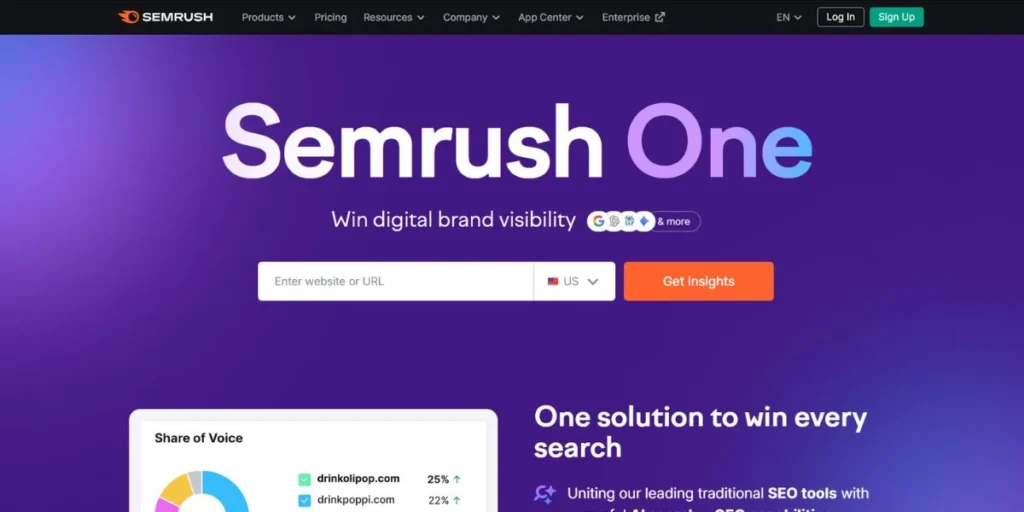
SEMrush has positioned itself as an all-in-one SEO tool that offers a digital marketer everything in 2026. Its Site Audit tool performs in-depth technical analysis, examining more than 140 various problems, including crawlability and errors, and HTTPS, as well as mobile responsiveness. The platform organizes issues into levels of severity, which will enable you to focus on fixes that will impact the most.
In addition to a technical audit, SEMrush offers keyword research, competitor analysis, rank monitoring, and backlink monitoring. The user-friendly interface displays sophisticated information in easy forms, and thus, it is friendly to both new and other users who need complex solutions in SEO.
Key Features:
- 140+ technical checks
- Site health scoring
- Crawlability analysis
- HTTPS monitoring
Website Link: https://www.semrush.com
4. Ahrefs

- Tool Type: SEO toolset and backlink analyzer
- Primary Technical SEO Use: Site audit and health monitoring
- Ratings: 4.6/5
Ahrefs has expanded beyond a backlink analyzer to a full-fledged SEO platform that has outstanding technical auditing functionality. Its Site Audit tool continuously checks your website’s health in technical aspects and showcases its progress, as well as highlighting new problems as they are discovered. The platform is also outstanding in visualizing data by providing a clean, intuitive dashboard, which helps non-technical users access technical SEO.
Ahrefs precisely recognizes pages that load slowly, broken links within the site, redirect chains, and waste of crawl budgets. The automated monitoring system also issues alerts when key problems occur to make sure that you can respond in time. Together with the backlink data, which is best in the industry, Ahrefs can provide the best value to serious SEO experts.
Also Check: Best Ahref Alternatives
Key Features:
- Automated site monitoring
- Health score tracking
- Internal linking analysis
- Performance insights
Website Link: https://ahrefs.com
5. Sitebulb
- Tool Type: Desktop SEO auditing tool
- Primary Technical SEO Use: Visual website audit reporting
- Ratings: 4.8/5
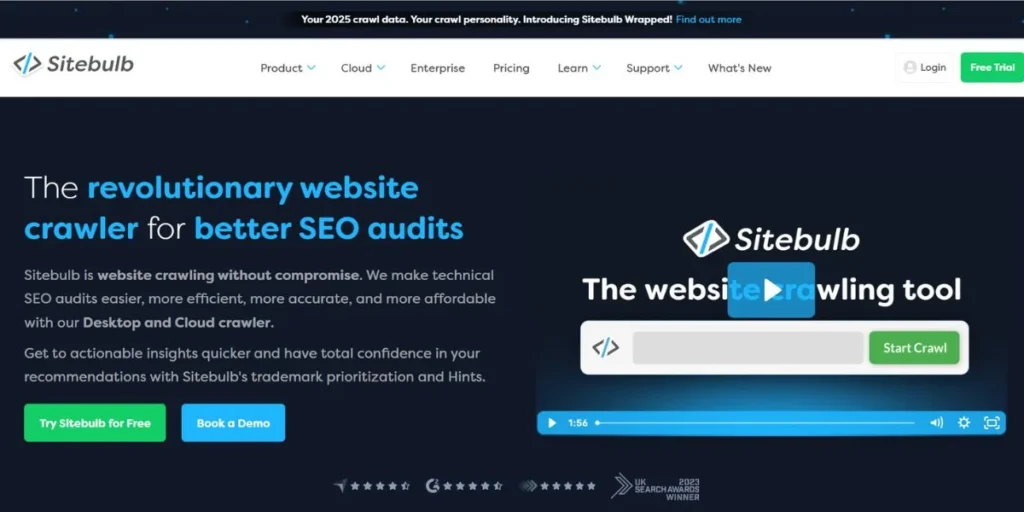
Sitebulb is the next revolution of technical SEO report that is easy to use with visual presentations that are beautiful and simple to understand by all. This desktop auditing tool crawls the sites and converts the information into interactive charts, graphs and diagrams that help in clear illustration of the technical issues and their connections. The system of hints is unique and gives comprehensive explanations of all the issues found, and specific recommendations on how they can be resolved.
Sitebulb is good at the analysis of JavaScript rendering, implementation of structured data and efficiency of crawling. It is also ideal in terms of reporting agency requirements since it can be used to convey the technical findings to non-technical customers. The depth and clarity have made Sitebulb a popular tool of SEO consultants all over the world.
Key Features:
- Visual report generation
- JavaScript rendering analysis
- Structured data validation
- Detailed issue explanations
Website Link: https://sitebulb.com
6. Google Lighthouse
- Tool Type: Open-source automated tool
- Primary Technical SEO Use: Performance and quality auditing
- Ratings: 4.5/5
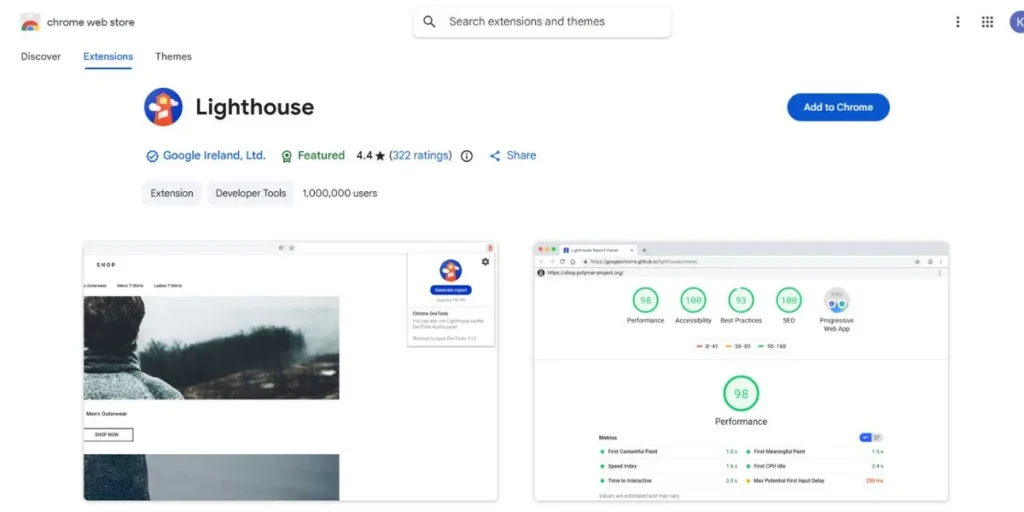
Google Lighthouse is the official performance and quality audit tool by Google developers. Lighthouse is a browser extension that is part of Chrome DevTools, and that can be used to analyze websites in five important categories, which are: performance, accessibility, best practices, SEO, and progressive web app capabilities.
In 2026, when Core Web Vitals are the ranking factors, Lighthouse gives the official value of the metrics. The tool will come up with detailed reports with particular recommendations on how loading speed, interactivity, and visual stability can be improved. As an open-source tool that is updated on a regular basis, Lighthouse is representative of the current priorities and advice of Google on having a high-quality performance of the web pages.
Key Features:
- Core Web Vitals
- Accessibility scoring
- SEO best practices
- Progressive web app
Website Link: https://chromewebstore.google.com/detail/lighthouse
7. GTmetrix
- Tool Type: Web performance analyzer
- Primary Technical SEO Use: Page speed testing optimization
- Ratings: 4.4/5
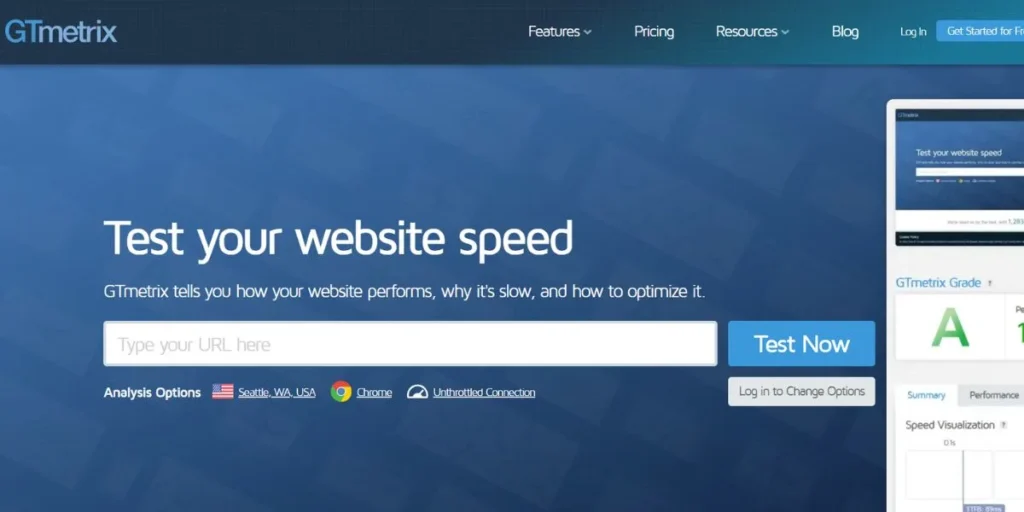
GTmetrix focuses on in-depth analysis of the page speed, which incorporates several different performance measures into the detailed, actionable reports. Using this tool, you can measure the performance of your site in loading at different global locations, and it shows you how your site can be used by different people in the world. The waterfall charts view the waterfall in detail, visualizing all resource requests, which can be used to identify bottlenecks and optimization.
GTmetrix compiles Google Lighthouse with other proprietary measurements, which will provide a full performance outlook. The platform singles out certain problems, such as render-blocking resources, unoptimized images, and server response delays. Historical tracking allows you to see the gains in performance over time, and as such, GTmetrix is superior to anyone who cares about the speed of their site.
Key Features:
- Global testing locations
- Waterfall chart analysis
- Image optimization suggestions
- Historical performance tracking
Website Link: https://gtmetrix.com
8. Bing Webmaster Tools
- Tool Type: Free web-based platform
- Primary Technical SEO Use: Bing search performance monitoring
- Ratings: 4.3/5
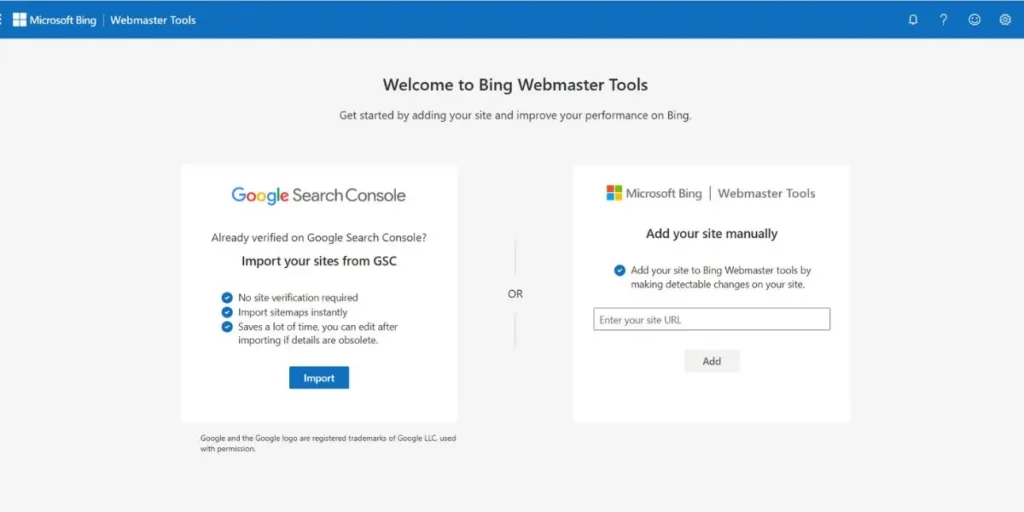
Bing Webmaster Tools is an insight that is crucial in ensuring that your site is optimized to be searched by Microsoft, which controls a large market share, especially in some demographics and geographical areas. It is a free platform that has a number of features that are not available in the Google Search Console, such as advanced SEO reports with specific suggestions and built-in keyword search functionality.
The site scan feature helps determine technical problems, security-related matters, and optimization points that the Bing algorithm could face. Although Google is the topic of conversation, Bing also signifies millions of potential visitors that should not be turned a blind eye to. Crawl control and URL inspection features in the platform are useful in ensuring that your site will be brought out to its optimum performance on the various search engines, so that your total search visibility is maximized.
Key Features:
- Site scan reports
- Crawl control settings
- URL submission tool
- Keyword research insights
Website Link: https://www.bing.com/webmasters
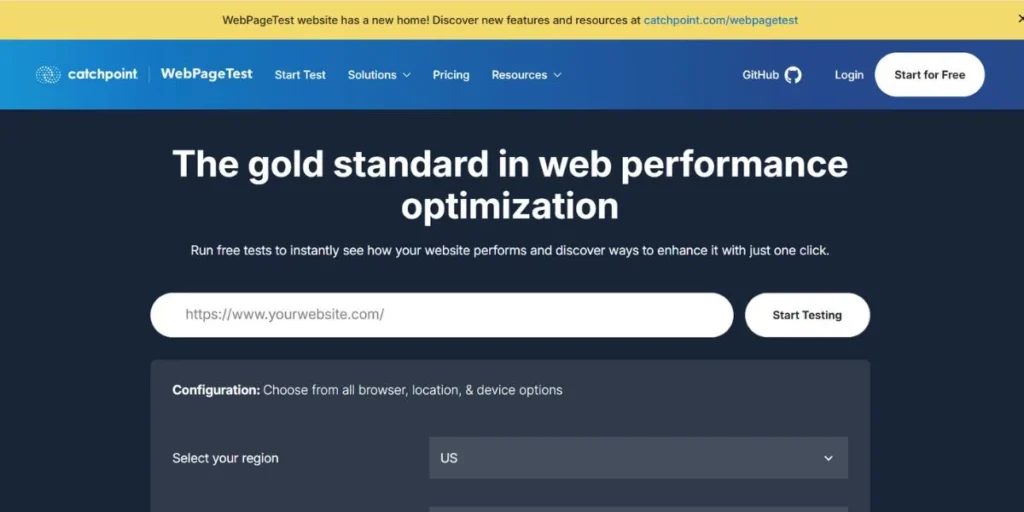
9. WebPageTest
- Tool Type: Open-source performance testing
- Primary Technical SEO Use: Advanced speed testing analysis
- Ratings: 4.6/5
WebPageTest is the most sophisticated and elaborate performance testing tool that has ever existed among SEO professionals and web developers. This is a free open-source platform that enables testing in many international locations, a variety of browsers and connections with diverse speed, which approximates the real-life conditions of users. The tool will record video of your page loading experience, create filmstrip views of progressive rendering, and create incredibly detailed waterfall charts of all network requests.
WebPageTest is a tool with such advanced features as multi-step transactions, script execution, and custom metrics, which professional performance engineers need. WebPageTest provides unmatched granularity and control to those who want to understand the nuances of the optimization of websites and Core Web Vitals.
Key Features:
- Multi-location testing
- Connection speed throttling
- Video capture analysis
- Advanced waterfall charts
Website Link: https://www.webpagetest.org
10. Lumar (formerly DeepCrawl)

- Tool Type: Enterprise cloud-based crawler
- Primary Technical SEO Use: Large-scale website technical auditing
- Ratings: 4.5/5
Lumar is the enterprise-tier solution that is used by companies that operate large, complicated websites that need complex technical search engine optimization features. Unlimited crawling is managed using this cloud-based platform with outstanding efficiency, and thus it is suitable for websites that have hundreds of thousands or millions of pages. Lumar has such advanced features as analysis of log files, which shows how the search engines crawl your site in reality, and JavaScript rendering testing modern web applications.
It also includes the possibility of individual data extraction, collaboration of teams, and integration with other marketing tools. Its automated surveillance measures the changes over time and sends notifications to the groups about the technical problems before they affect the rankings. Lumar is more scalable and sophisticated when it comes to enterprise SEO teams and agencies.
Key Features:
- Unlimited crawling capacity
- Log file analysis
- Custom data extraction
- Team collaboration features
Website Link: https://www.lumar.io
Conclusion
To achieve technical SEO in 2026, it is important to have the correct mix of technical SEO tools to diagnose, monitor, and optimize the infrastructure of your website. Free basic tools, such as Google Search Console and Lighthouse, and the paid ones, such as SEMrush and Ahrefs, all have their own special functions that relate to other elements of technical optimization.
It is preferable to use a combination of tools in order to build an entire technical SEO workflow. Begin with the free alternatives to set your base and then invest in paid solutions when your needs become more advanced. It is important to keep in mind that technical SEO tools can only be employed to its full potential once the strategies that are under its belt are updated regularly, key issues are given priority, and keeping abreast of the rules and regulations of search engines will make sure that the performance of your site is as healthy as it can be and is as visible to search engines.
FAQs
What are technical search engine optimization tools?
Technical SEO tools detect and address the infrastructure problems of the websites, such as crawl errors, sluggish site speeds, broken links, and indexing problems, which influence search engine rankings.
Do small companies need free technical SEO tools?
Yes, the free versions of Google Search Console, Lighthouse, and the basic version of Screaming Frog are a great functionality for a small business website with simple technical SEO requirements.
What is the number of times I need to conduct technical SEO audits?
Conduct extensive technical audits every month of active sites and every week of e-commerce platforms, and as soon as the site is changed significantly or an algorithm is changed.
Will the technical SEO tools help my websites to be ranked?
Technical SEO tools detect problems, the solution of which increases crawlability and user experience that indirectly translates into better rankings in the long term.
What is the best technical SEO tool to use as an amateur?
Google Search Console is suitable for beginners since it is free of charge, easy to use and administer, offers necessary insights, and has supportive documentation and help materials.