
What if you had a puzzle where the pieces kept changing shape each time you blinked? This is the experience of the world of search engine optimisation without a plan in place! It is easy to get caught up in staring at a spreadsheet for hours, moving numbers around from one tab to another, only to feel like you are nowhere when it is time to explain the results. But with the right tools in the right hands, the whole process comes together like a well-oiled machine.
In today’s world, search engines drive over 1,000% more traffic than organic social media sites. This makes being seen online the holy grail of any business. In fact, businesses that use automated tools see a 30% improvement in productivity simply by eliminating the need of manually entering all of the data. Additionally, having the right tools in the right hands is like having a calm anchor in a storm when the Google algorithm changes. In this article, we will explore the top-rated SEO reporting tools to help you master your data and climb the rankings without the stress. Read on!
What are SEO reporting tools?
An SEO reporting tool is a type of software that can collect and organise information about how well your website is doing in the search engines. Instead of having to check five different websites to get the information you need, the SEO reporting tools compile all of the information into one easy-to-read dashboard.
This makes it simple to see how well your website is doing and where changes can be made. Additionally, the tools can identify any technical issues with your site before they become a problem.
Why Reporting is Critical in SEO
Here are the primary reasons why tracking your data is the backbone of a successful digital strategy.
- Visualizing Growth Trends: Reporting allows you to see the big picture of your website’s health through clear visual graphs. It helps you identify if your traffic is growing steadily or if a recent change caused a sudden dip.
- Proving Real Value: Reports provide the evidence needed to show that your hard work is leading to more leads and sales. This makes it much easier to justify your marketing spend to managers or clients.
- Catching Technical Errors: Regular reports act like a health checkup, finding broken links or slow pages that might be invisible to the naked eye. Fixing these quickly keeps search engines happy and your visitors engaged.
- Smart Content Planning: By seeing which topics bring in the most visitors, you can focus your time on writing what people actually want to read. This makes sure you aren’t wasting energy on keywords that don’t drive results.
- Staying Ahead of Rivals: Data isn’t just about your site; it also shows how you stack up against your biggest competitors. You can see their winning moves and find gaps in their strategy to use for your own gain.
Challenges of Manual Reporting
Here are the challenges you might face if you manage all the search data on your own without the assistance of automation.
- Massive Time Drain: Collecting data from various sources by yourself might take up valuable time, sometimes as much as a couple of days every month. This time spent on data collection could have been spent on things that could grow your business.
- Risk of Small Mistakes: When working with as many figures as search data provides, it is very easy to make a single mistake in typing a number, which could ruin the entire report. One wrong formula could lead to the wrong conclusions, which could lead to wasted marketing funds.
- Outdated Information: Since the search data is updated every hour, it is “old news” the minute the report is done, if it is done by yourself. You are always in the past rather than the present.
- Disconnected Data: Trying to merge data from various platforms into one cohesive story is a technical nightmare. Not only is it difficult, but it also makes it very hard to see how one metric affects another.
- Hard to Understand: Spreadsheets are not exactly the most fun things in the world to read, especially if the person trying to read them is not very “tech-savvy.” Without the right visual aids, the real value of the work done by the person creating the spreadsheet could go unnoticed in a sea of gray cells.
Comparison of Top SEO Reporting Tools
| Tool | Best For | Pricing | Key Features |
| All In One SEO | Bloggers, small businesses, WordPress users | Starts at $49.50/year (Free version available) | SEO Health Score, site audit checklist, keyword tracking, internal link assistant, GSC integration |
| Semrush | Agencies, SEO professionals | Pro $117.33/mo, Guru $208.33/mo, Business $416.66/mo | Competitor analysis, keyword research (25B+), site audit (140+ checks), rank tracking, PDF reports |
| Ahrefs | Link builders, content strategists | Lite €119/mo, Standard €229/mo, Advanced €419/mo | Backlink database, Content Gap, keyword difficulty, site explorer, rank tracker |
| Google Looker Studio | Data-driven marketers, budget teams | Free (Pro $9/user/mo) | Custom dashboards, real-time data, Google integrations, report sharing, drag-and-drop builder |
| SE Ranking | Freelancers, local businesses | Core €87.20/mo, Growth €188/mo, API €269+/mo | Rank tracking, site audit, white-label reports, local SEO tools, marketing plan |
| AgencyAnalytics | Agencies, multi-client marketers | $59/mo, $179/mo, $349/mo, Enterprise custom | Automated reports, 75+ integrations, client dashboards, white-labeling, task management |
| Moz Pro | Small teams, authority-focused marketers | $49/mo, $99/mo, $179/mo, $299/mo | Domain Authority, keyword explorer, site crawl, spam score, MozBar |
| Raven Tools | In-house teams, agencies | $39/mo, $79/mo, $139/mo, $249/mo, $399/mo | Site auditor, link manager, multi-channel reports, historical data, competitor tracking |
| KWFinder | Bloggers, niche site owners | $49/mo, $69/mo | Long-tail keyword research, SERPWatcher, LinkMiner, SiteProfiler |
| Nightwatch | Agencies, global brands | Starts $32/mo (+$99 AI add-on) | Rank tracking (Google, YouTube, DuckDuckGo), visual dashboards, keyword grouping, site audits |
10 Best SEO Reporting Tools (Top Picks)
1. All In One SEO (AIOSEO)
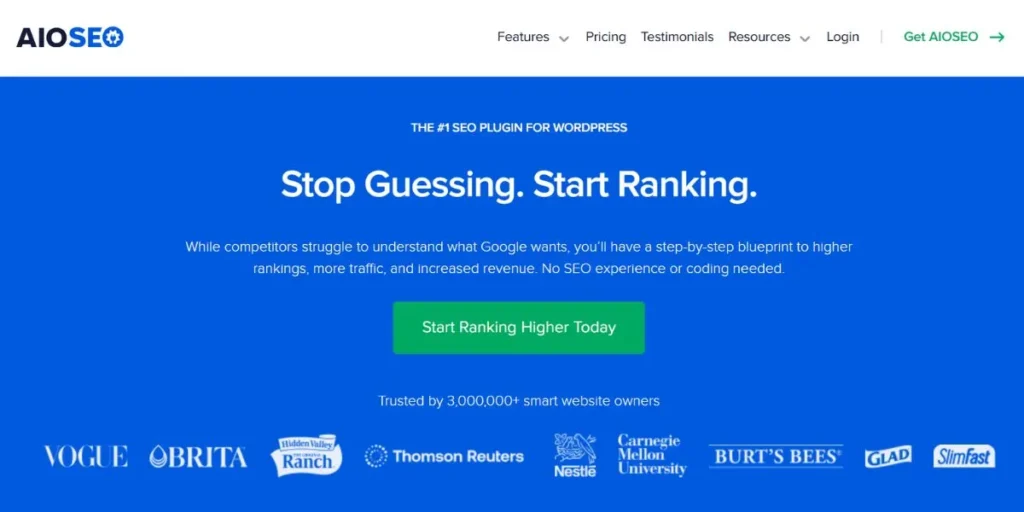
AIOSEO is the top pick for WordPress users who want a simple way to track their progress without leaving their site dashboard. AIOSEO provides a clear “SEO Health Score” and a checklist that tells you exactly how to improve your rankings. With over 3 million active users, AIOSEO is a trusted name in the industry for making technical tasks easy.
The tool connects directly to Google Search Console to show you your clicks and impressions right where you write your posts. In addition, the Link Assistant helps you build a stronger internal linking structure automatically. It’s perfect for small teams who need clear, actionable data without the fluff.
Key Highlights:
- Full site audit with a simple improvement checklist.
- Keyword rank tracking directly inside WordPress.
- Automatic internal link suggestions to boost authority.
- Scheduled email reports are sent to your inbox.
What We Love:
- The “Health Score” gives instant feedback on site status.
- No-code interface makes technical SEO accessible to everyone.
- The Index Status tool tracks which pages Google has found.
- Automated reports save hours of manual checking.
- World-class support is always ready to help.
Pros:
- Extremely beginner-friendly and easy to install.
- Very affordable compared to enterprise software.
- Keep all your data inside the WordPress admin.
- Deeply integrates with Google Search Console.
Cons:
- Works only with WordPress sites.
- To get the best reporting tools, a Pro plan is needed.
- Backlinks are not as numerous as Ahrefs offers.
- Competition tracking is not as comprehensive as Semrush offers.
- Pricing: Offers a free version and paid plans that start at $49.50/year.
- Best for: Bloggers, small business owners, and WordPress developers.
- Tool Link: https://aioseo.com/
2. Semrush
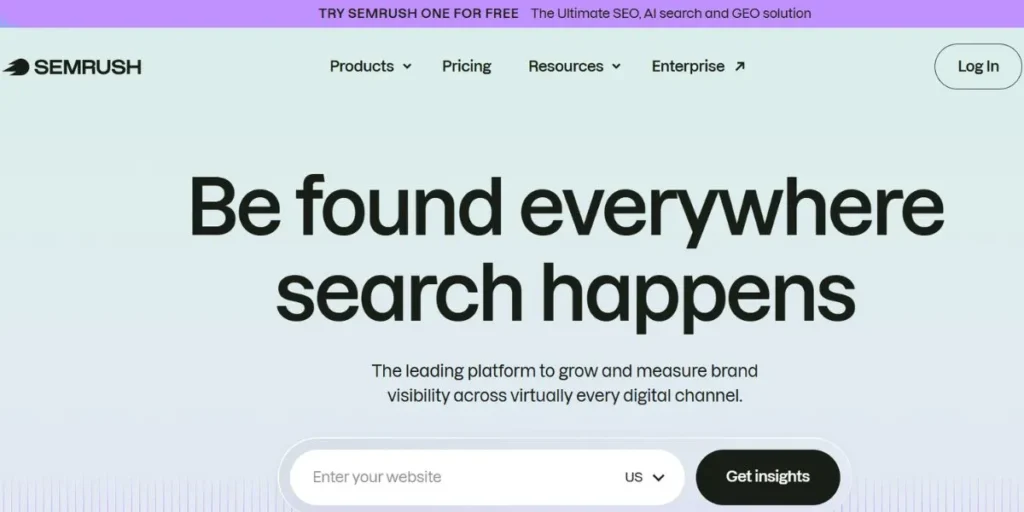
Semrush is a massive platform with 10 million marketing professionals using it to conquer their niche. It is best known for its “Domain Overview” feature that allows users to see the exact keywords and ads their competitors are using. Their reporting feature is a drag-and-drop builder that enables the creation of professional PDF reports in just a matter of minutes.
Their “Keyword Magic Tool” has access to over 25 billion keywords, so there is no shortage of ideas. Additionally, the site audit feature has the ability to find over 140 technical issues to ensure the site is running smoothly. It is the only tool anyone needs if they are serious about beating the search engines.
Key Highlights:
- Comprehensive competitor traffic and keyword analysis.
- Professional PDF report builder with company branding.
- Daily rank tracking for desktop and mobile devices.
- On-page SEO checker with content-specific tips.
What We Love:
- The ability to see the top-performing pages of a rival site.
- The “Magic Tool” makes finding long-tail keywords easy.
- Nice graphs that make the data easy to present.
- Integration with GA4 and Google Search Console.
- Access to historical data dating back several years.
Pros:
- The most comprehensive set of marketing tools available.
- Excellent for both SEO and PPC advertising.
- Has very high data accuracy for global markets.
- Has an enormous collection of tutorial materials.
Cons:
- One of the most expensive tools in the market.
- Has a very cluttered interface for new users.
- Has an additional cost for new users.
- Has limited capabilities for mobile users.
- Pricing: Pro $117.33/mo, Guru $208.33/mo, Business $416.66/mo (all billed annually).
- Best for: For mid-to-large agencies and professional SEO experts.
- Tool Link: https://www.semrush.com/
3. Ahrefs

Ahrefs is one of the best tools for backlinks. It is recognized for having the best backlinks database in the industry. Ahrefs is essential for building your authority. The backlinks database is crawled by the second-most active web crawler in the world, after Google. The “Site Explorer” feature gives an in-depth look at any website’s growth over time.
Additionally, Ahrefs has a favorite feature for content marketers, which is the “Content Gap” feature. It is used to find keywords for which your competitors have content, but you do not. Also, the tool is very good at building your backlinks.
Key Highlights:
- The most accurate backlink index in the industry.
- “Content Gap” analysis for missed opportunities.
- Keyword difficulty scores are extremely reliable.
- A rank tracker that monitors your site globally.
What We Love:
- The interface is sleek and very easy to use.
- “Batch Analysis” is a huge time-saver for large projects.
- Site Audit is fantastic for finding broken links and slow pages.
- The blog and YouTube channel offer amazing advice.
- Alerts for new or lost backlinks keep us aware of changes.
Pros:
- Top-tier data for link building and research.
- Perfect for finding “low-hanging fruit” keywords.
- Reliable alerts for changes in keyword rankings.
- Excellent “Organic Search” traffic estimations.
Cons:
- No longer offers a low-cost trial period.
- Their credit system can be confusing.
- Not as many social media tools as other options.
- Weekly updates can be slow for some data.
- Pricing: Lite €119/mo, Standard €229/mo, Advanced €419/mo.
- Best for: Link builders, niche site owners, and content strategists.
- Tool Link: https://ahrefs.com/
4. Google Looker Studio
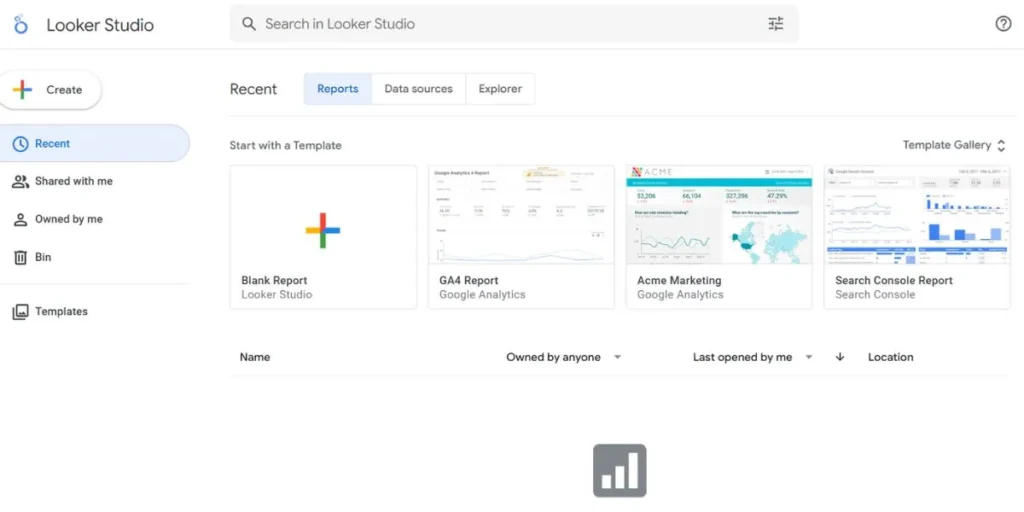
For anyone wanting to make beautiful and customized dashboards without spending a single penny, Looker Studio is the answer. It does not gather any data on its own. However, it can gather information from Google Analytics, Google Search Console, and even YouTube. You can create interactive reports that can refresh in real-time for your customers or yourself.
Nevertheless, it does come with a learning curve if you want to make complex reports. Once you learn to use it, you can combine information from various sources in one chart. This is the best way to make dull figures come alive in a visual format that can be easily shared with others.
Key Highlights:
- Completely free to use with Google data sources.
- Completely customizable drag-and-drop dashboard builder.
- Real-time syncing of data across all connected apps.
- Ability to combine data from multiple sources.
What We Love:
- Ability to make reports look exactly like your brand.
- ‘Community Connectors’ allow linking to hundreds of sites.
- Share reports using a simple web link.
- Interactive filters allow readers to dive deeper into reports.
- Templates make it easy to start a new project.
Pros:
- Completely free with no cost for professional-level reports.
- Infinite possibilities for layout and design.
- Connects natively to the entire Google ecosystem.
- Perfect for sharing with non-tech stakeholders.
Cons:
- Often difficult and time-consuming to set up.
- Third-party ‘connectors’ needed for non-Google data sources.
- Large reports can take a little while to load.
- No built-in SEO database of its own.
- Pricing: Looker Studio (formerly Google Data Studio) is free for creating unlimited reports and connecting to Google data sources, while Looker Studio Pro offers enterprise features like team management and support for $9 per user/month.
- Best for: Data-driven marketers and agencies on a budget.
- Tool Link: https://lookerstudio.google.com/
5. SE Ranking
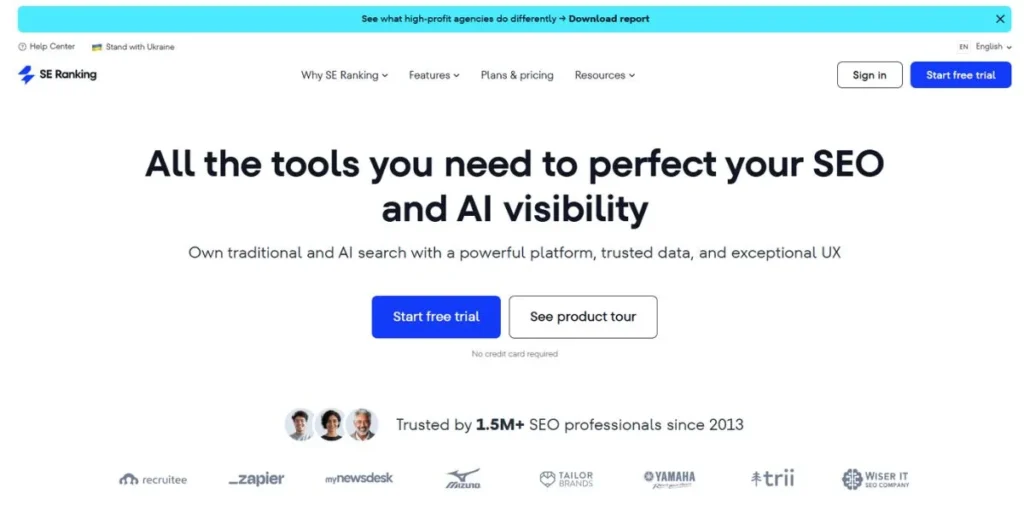
SE Ranking is a favorite among startups and freelancers since it offers a complete range of SEO reporting tools at a fraction of the price that its competitors charge. It is particularly good at tracking keywords in particular cities or even zip codes. This is particularly useful for local businesses.
It also comes with a “B2B Lead Generator” that helps marketing agencies find new clients. It is a stable and easy-to-use platform that offers all the basic tools that a marketer needs. Besides, it is a great way to get professional tools at a fraction of the price that most tools charge.
Key Highlights:
- Highly accurate 100% keyword rank tracking.
- Comprehensive website audit with 130+ checks.
- White-label reporting for a professional client looks.
- Social media analytics and posting tools included.
What We Love:
- The “Marketing Plan” checklist for new websites.
- Tracking rankings across multiple search engines.
- Page changes monitor that alerts you to edits.
- Grouping keywords to see category performance.
- The value for money is hard to beat.
Pros:
- Much more affordable than the bigger competitors.
- The interface is very clean and fast.
- Excellent local SEO tracking capabilities.
- Great customer support that responds quickly.
Cons:
- The backlink database is small compared to Ahrefs.
- Content analysis tools are not very advanced.
- Historical data limits vary by plan.
- Reporting templates are basic.
- Pricing: Core €87.20/mo, Growth €188/mo, API from €269/mo, Enterprise custom pricing.
- Best for: Freelancers, local businesses, small agencies.
- Tool Link: https://seranking.com/
6. AgencyAnalytics
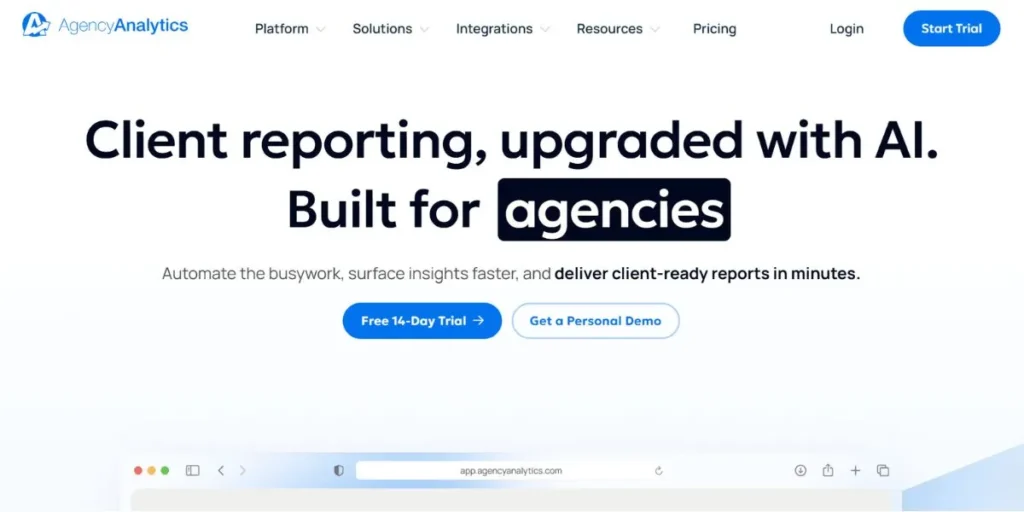
Are you a marketer dealing with a variety of different clients? Well, you’re in luck because AgencyAnalytics was built specifically for people like you. You can bring in data from Facebook Ads, email marketing, and even call tracking, in addition to SEO tools. This allows you to give your clients a single login where they can see their entire marketing world.
Furthermore, you can automate reports so that they are sent on a weekly or monthly basis without you ever having to lift a finger. The interface is modern, looks great on all devices, and allows you to build trust with your clients through transparency. It’s basically a transforming option for those in a marketing service business, making it one of the best SEO reporting tools.
Key Highlights:
- Over 75+ integrations, including SEO, PPC, and Social.
- Automated, branded reports for your clients.
- Custom “Client Dashboards” with unique logins.
- Staff task management to keep your team organized.
What We Love:
- The drag-and-drop report builder is very easy.
- Pulling all marketing data into one single place.
- Adding custom comments to explain wins to clients.
- The white-label options are very polished.
- Goal tracking to show progress on specific targets.
Pros:
- Saves hours of work for agency owners.
- Helps justify your fees by showing clear results.
- The mobile app for clients is a huge plus.
- Very easy to scale as you add more clients.
Cons:
- It can get expensive as your client list grows.
- Not as deep for keyword research as Semrush.
- Requires other tools to be the data source.
- Technical SEO audits are fairly basic.
- Pricing: Freelancer $59/mo, Agency $179/mo, Agency Pro $349/mo, Enterprise custom (billed annually).
- Best for: Digital marketing agencies and multi-client freelancers.
- Tool Link: https://agencyanalytics.com/
7. Moz Pro
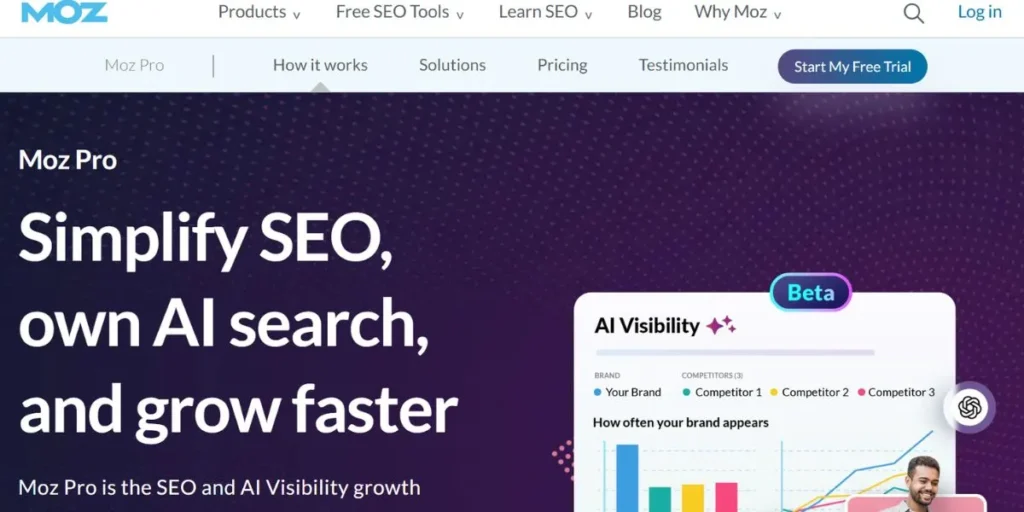
Moz is a pioneer in the search industry and is responsible for creating “Domain Authority,” which is used by nearly every SEO practitioner today. Moz Pro is meant to be a helpful resource that helps you understand the “why” behind your rankings. Their reports only include information that actually impacts your rankings, so that you do not get bogged down in unnecessary information.
In addition, their “Crawl Test” is excellent for identifying hidden technical problems that could cause your site to slow down. Moz is a highly reliable platform that is focused on education and long-term strategy. This is a great option for anyone who is seeking a trusted and established player in the SEO industry.
Key Highlights:
- Industry standard Domain Authority (DA) scores.
- Keyword Explorer with accurate keyword difficulty scores.
- In-depth site crawl reports.
- Spam score checker for backlink safety.
What We Love:
- MozBar is amazing for quick checks.
- Reports are clean and extremely easy to read for clients.
- Custom Reports focus on what really matters.
- The community and learning section is top-notch.
- Prioritizes fixes based on potential impact.
Pros:
- Extremely trusted and accurate data metrics.
- Awesome for beginner-to-intermediate marketers.
- Extremely focused on local search and authority.
- Tips on how to fix every single problem that is found.
Cons:
- A little outdated in terms of design compared to others.
- Backlink updates can sometimes take longer.
- Keyword updates are not quite as fresh as Semrush.
- Fewer social media and PPC integrations.
- Pricing: Starter $49/mo, Standard $99/mo, Medium $179/mo, Large $299/mo.
- Best for: Small teams and marketers focused on authority building.
- Tool Link: https://moz.com/products/pro
8. Raven Tools
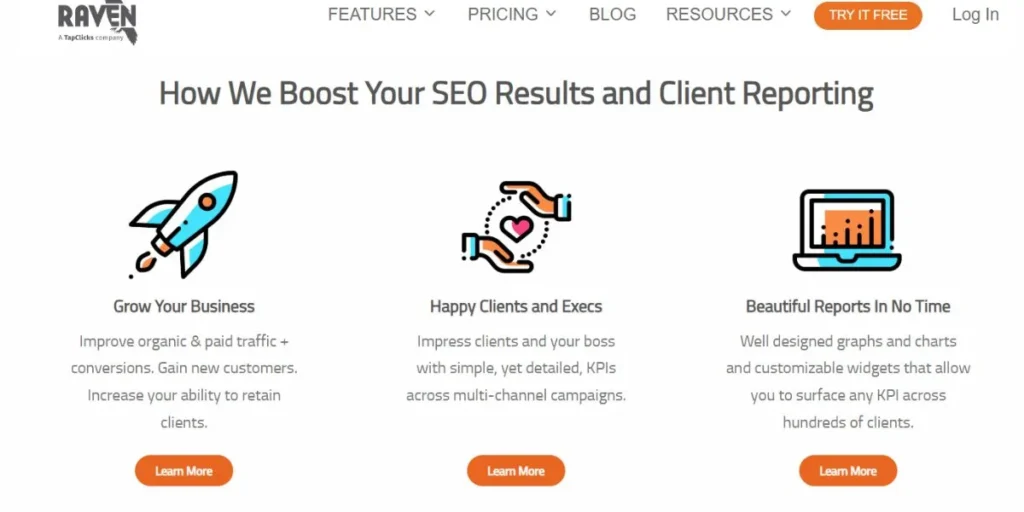
Raven Tools has been around for a long time and is loved for its ability to handle “Marketing Tasks” alongside search data. You can build reports that compare your current performance against a history of data that goes back years. This is great for showing a client or boss how much you’ve grown over the long term.
Plus, it has data from a variety of sources like Moz and Majestic, giving you a very broad look at your website. It’s a good choice for teams that value organization and like to keep a log of all their SEO reporting tools. It helps you connect all your daily activities to your long-term success.
Key Highlights:
- Extensive site auditor for technical health.
- Link Manager to track and organize.
- Reports that include PPC, social, and SEO data.
- Long-term historical data tracking that never expires.
What We Love:
- The “WYSIWYG” report editor is very intuitive.
- Tracking all your manual tasks in the same app.
- The “Competitor Manager” keeps tabs on rivals.
- Very professional white-label PDF options.
- Integrates with many different data providers.
Pros:
- Great for teams that need to stay organized.
- Reliable historical data for long-term clients.
- Covers a wide range of marketing channels.
- Competitive pricing for the features provided.
Cons:
- The interface is a bit “old school” looking these days.
- Not always easy to set up data connections.
- Not as many “cutting-edge” AI tools.
- The keyword database is not as extensive as Semrush.
- Pricing: Small Biz $39/mo, Start $79/mo, Grow $139/mo, Thrive $249/mo, Lead $399/mo.
- Best for: For in-house marketing teams and established agencies.
- Tool Link: https://raventools.com/
9. KWFinder (by Mangools)
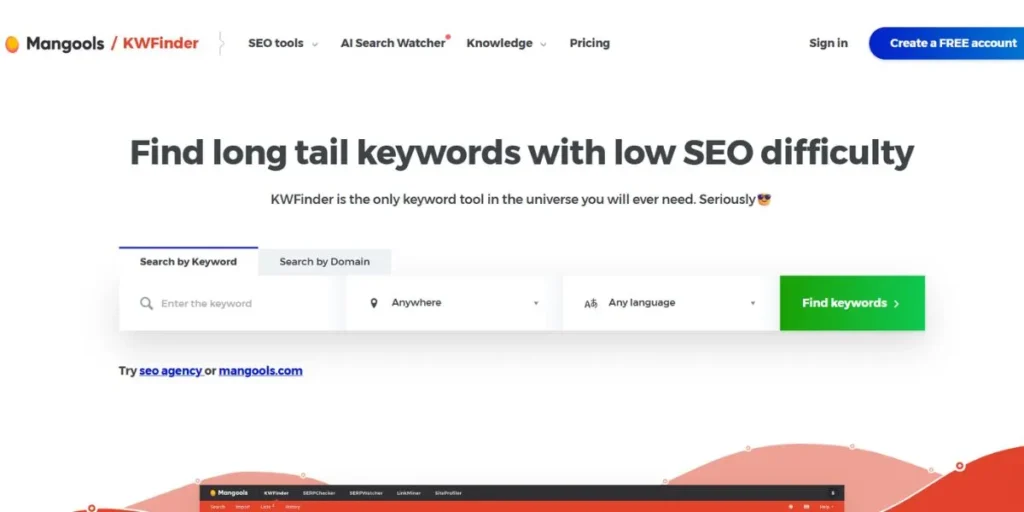
KWFinder is generally accepted as the most beautiful and easiest-to-use keyword tool on the market today. KWFinder specializes in finding “long-tail” keywords that are easy to rank for, so you can achieve results faster. The Mangools suite also includes tools for monitoring your rankings and checking your competitors’ backlinks.
Additionally, the “SERPWatcher” tool provides you with a “Dominance Index” so you can visualize how much of the search market you actually own. If you find tools like Ahrefs intimidating, you’ll love the look and feel of this suite. It makes search engine research fun again!
Key Highlights:
- Super fast keyword research with local options available.
- Has SERPWatcher for checking rankings daily.
- Also has LinkMiner for finding the best backlinks of your competitors.
- Has SiteProfiler for a quick glance at the authority of any site.
What We Love:
- The interface is the best in the business.
- The “Keyword Difficulty” is very accurate.
- Ranking tracking is fun with the dominance index.
- The pricing is very friendly for new users.
- Perfect for finding local niche keywords.
Pros:
- Very affordable and offers excellent value for the price.
- No learning curve is needed as it can be used right away.
- Has the most visual and colorful interface of all the tools on this list.
- Has reliable and fast data for keyword research.
Cons:
- Has a smaller database of information than the enterprise tools.
- Lacks the technical site audit tools that the other tools offer.
- Not ideal for large and complex agencies.
- Lacks integrations with other marketing tools and channels.
- Pricing: The Basic plan costs $49 per month, and the Premium plan costs $69 per month.
- Best for: Bloggers and small niche site owners.
- Tool Link: https://mangools.com/kwfinder/
10. Nightwatch
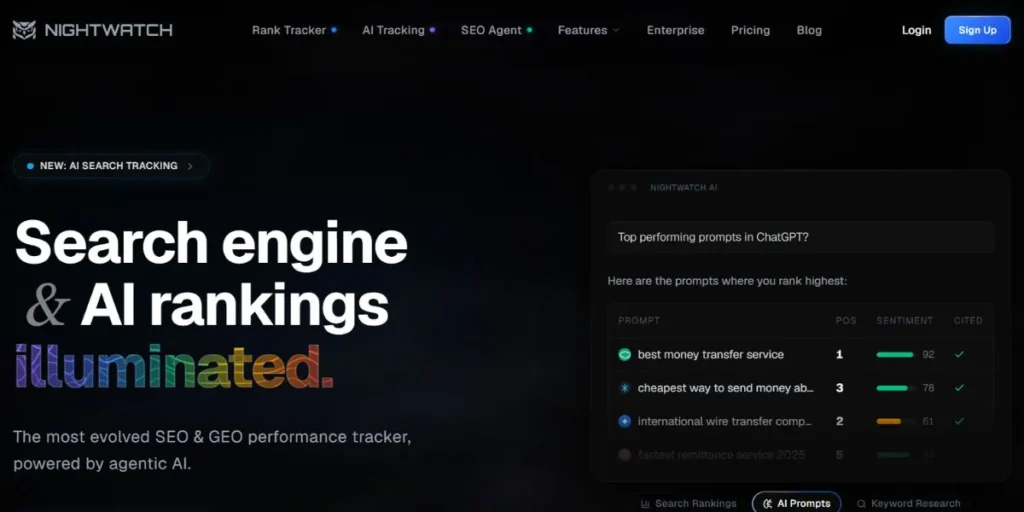
Nightwatch is a modern tool designed for the “visual” era of digital marketing. Its interface is sleek, clean, and looks amazing on any screen size. Nightwatch is also unique because it provides ranking data for DuckDuckGo and YouTube, not just Google. Therefore, it is perfect for brands that want to show up everywhere on the web.
Moreover, it has a very powerful “Aggregation” feature, which allows the user to track the performance of the entire group of keywords as one. Therefore, it is perfect for brands trying to dominate a specific topic rather than a single word. Nightwatch is also very fast, flexible, and future-proof.
Key Highlights:
- Global and local rank tracking down to the zip code.
- Visual dashboards with custom segments and filters.
- Automated technical site audits for health checks.
- Tracks rankings on YouTube and DuckDuckGo.
What We Love:
- The speed of the interface is impressive.
- The ability to group and filter data easily.
- The ability to brand the reports completely.
- The “Competitor View” displays the movement on a daily basis.
- Perfect for international brands with many locations.
Pros:
- The design is very modern, clean, and has many advanced features.
- Tracks search engines that most don’t even bother with.
- Has very accurate local search data.
- Allows for a high degree of customization.
Cons:
- It can get very pricey as the number of keywords increases.
- It can take a little longer to set up the reporting.
- Not as many backlink metrics as Ahrefs.
- The audit tool is good, but not the best.
- Pricing: Starts at $32/mo (250 keywords); AI add-on $99/mo.
- Best for: Modern digital agencies and international brands.
- Tool Link: https://nightwatch.io/
SEO Reporting Tools for Freelancers & Beginners
If you are a solo player or just a beginner in the business, you need SEO reporting tools that provide big results without a large price tag. These include:
- AIOSEO: The simplest way to manage WordPress SEO and reports.
- KWFinder: Makes keyword research easy and visually engaging.
- Google Search Console: The absolute best free data directly from Google.
- Ubersuggest: A great low-cost way to get keyword and traffic ideas.
- Moz Pro: Perfect for learning the basics with a trusted brand.
Reporting Tools for Data Analysis
For the experts who love to crunch numbers and find deep patterns in the data, the tools below provide the most power:
- Google Looker Studio: The king of custom, multi-source reporting.
- Screaming Frog: The best for deep-diving into technical site issues.
- Ahrefs: For detailed link analysis and content gap research.
- Semrush: For massive amounts of competitor and keyword data.
- Nightwatch: Excellent for segmenting large lists of ranking keywords.
Key Features to Look for in SEO Reporting Tools
When selecting the best software for your needs, there are a few features that are a must for everyone. This includes:
- Automatic Reporting: Make sure the tool can send updates on its own so you don’t have to remember every month.
- Data Integration: Look for tools that will integrate data from your Google Analytics and Search Console for an overall picture.
- Branding Options: If you have clients, you’ll want to be able to put your own company’s logo and colors on your reports for a professional look.
- Daily Rank Tracking: A good platform will let you know where you stand in rankings for your top keywords every single day.
- Health Audits: The tool should show you exactly where you stand for your top keywords every single day.
How SEO Reporting Tools Improve ROI
While using these tools is not just for looking at pretty graphs, it is for making decisions that improve your bottom line. This includes:
- Cutting Waste: By seeing which keywords aren’t producing sales, you can stop wasting time on content that isn’t working.
- Finding Quick Wins: You can find pages ranking on page two and give them a little nudge to get them to page one.
- Smart Budgeting: Using data, you’ll know where to spend your time and money for the fastest growth.
- Catching Drops Fast: If your rankings drop, you’ll be able to catch it quickly and fix it before it hurts your bottom line.
- Long-Term Planning: You’ll be able to see growth trends and be able to prepare for seasonal spikes in traffic.
How to Choose the Best SEO Reporting Tool
There are so many good options, and it is not an easy task to choose one, but these points will assist you in winning. Here is how to choose the right tool:
- Check the Price: Make sure that the monthly price does not become a strain on your marketing budget.
- Test Ease of Use: When a tool is too difficult to learn how to use, you will not use it, so seek out a design that you like.
- Consider Scalability: Select a tool that is capable of expanding as you expand, and you add more sites or clients.
- Check Support: Find those companies that provide fast chat or elaborate video tutorials to assist you.
- Use the Trials: It is always advisable to test a free service or trial before signing up for an extended and paid version.
Common Mistakes to Avoid
Despite excellent software, it is not difficult to commit errors that will render your reports ineffective. This includes:
- Too Much Data: Don’t include every single number; focus on the key metrics that actually matter for business.
- Missing Context: A drop in traffic might be a holiday, so look at the big picture before panicking.
- Sloppy Formatting: Remember to make sure that your reports are easily readable at first glance with readable headings and white space.
- Making it Manual: You are not using automation, which implies that you are losing time that would otherwise be dedicated to growing.
- Neglecting Mobile: The majority of the population searches using their phones, and, as a result, it is always advisable to check your mobile rankings and health.
Conclusion
There is no need to navigate the digital visibility realm as a game of guesses. With the help of the appropriate SEO reporting tools, you will be able to turn a mountain of perplexing data into a successful roadmap. You can go with the simplicity of AIOSEO or the amazing power of Semrush, but only by having a clear perspective of what has been achieved so far will you be able to make it to the top. Data will enable you to work confidently, with full knowledge of what is performing and what you need to focus on.
It is only important to remember that search engine success is achieved every day, and you build it up one day at a time, and a good report is the best tool you have to keep yourself on track. Furthermore, the transparency that you will achieve will make you gain trust among your team members as well as your clients. Start a free trial today and make the first step towards a better and more organized online presence. You’ve got this!
Explore More About:
FAQs
1. Which is the most recommended tool to use to report SEO as a complete beginner?
AIOSEO is ideal to use since it resides within WordPress and provides a user with an easy checklist to use.
2. When to write SEO reports to my clients and how often?
The majority of agencies provide a deep-dive report every month, and a quick check-in and update call every two weeks.
3. Do such tools monitor social media as well?
SEO reporting tools such as Semrush and SE Ranking have social media tracking, although most of them concentrate on search engine data.
4. Why are my rankings different in the tool than on my phone?
Google changes results based on your personal history and location. Reports use “clean” browsers to show the objective average rank.
5. Is paying money for a tool worth it as a mere blogger?
In order to grow your traffic and earn money, one of the cheapest tools, like KWFinder, can help identify the keywords that you can rank.