
Our methods of presentation have evolved tremendously. There is no longer the need to spend hours to arrange the slides, search on the internet to find design templates or have a hard time formatting. By 2026, Best AI Presentation Makers have entirely transformed the way professionals, students, entrepreneurs and creators make their decks.
It can be used to pitch investors, train a team, or even give a keynote, now AI assisted tools do all the work generating layouts, recommend graphics, write and even animate slides all with a simple text prompt. This guide discusses the 10 best tools that are front runners and assisting individuals to make polished and professional presentations quicker than ever before.
What Is an AI Presentation Maker?
An AI Presentation Maker is a computer program that allows generating a presentation slide automatically based on text prompts, uploaded documents, or data files using artificial intelligence, i.e., natural language processing and generative design. Rather than creating the slides manually, the user simply describes their subject or pastes content, and the AI creates a complete structure with a visually developed deck in a few seconds.
They are also essential in the present-day working process, as the most appropriate AI presentation creators also provide intelligent layout recommendations, automatic formatting, branding, and real-time collaboration.
You Might Like: PPT Submission Sites
How AI Transforms Traditional Slides
- Instant slide creation: one text prompt or document upload.
- Auto-layout and design: that automatically moves things as the content is modified.
- Intelligent content recommendations: headlines, bullet points and talking points.
- Data-to-visual conversion: Automatic conversion of spreadsheets to charts.
- Enforcement of brand consistency: use of colors, fonts and logos throughout the slides.
- Instant teamwork: including AI-assisted edits and version control.
What to Look for in an AI Presentation Tool
- User friendly: friendly interface with low learning curve.
- Quality in design: professional templates and intelligent layout possibilities.
- AI depth: the AI comprehension of your prompts and content.
- Integration support: compatible with Google Slides, PowerPoint or office 365.
- Exporting support: PDF, PPTX, or sharing link.
- Flexibility in pricing: a free plan and cheap paid plans.
Best AI Presentation Makers in 2026 (Comparison Table)
| Tool | Best For | Free Plan | Key AI Features | Login Required? | Pricing (Starting) |
| Gamma | Overall use | Yes | Prompt-to-deck, AI rewrite | Yes | $8/mo |
| Beautiful.ai | Design consistency | Yes | Smart Slides, auto-layout | Yes | $12/mo |
| Canva Magic Design | Creatives & marketers | Yes | Magic Design, AI image gen | Yes | $15/mo |
| Microsoft Copilot | Enterprise / Office users | No | Slide from Word/Excel | Yes | Included in M365 |
| Plus AI | Google Slides users | Limited | Remix, live data snapshots | Yes | $10/mo |
| Prezent.ai | Enterprise teams | No | Brand compliance AI | Yes | Custom pricing |
| Powerdrill Bloom | Data visualization | Yes | CSV/Excel to chart AI | Yes | $9/mo |
| Pitch | Sales teams | Yes | Pitch Rooms, viewer analytics | Yes | $8/mo |
| Prezi AI | Storytelling & keynotes | Yes | Non-linear canvas, AI journey | Yes | $7/mo |
| Slidebean | Startup pitch decks | Limited | Financial modeling, AI layout | Yes | $29/mo |
Top 10 AI Presentation Makers 2026
1. Gamma — Best Overall
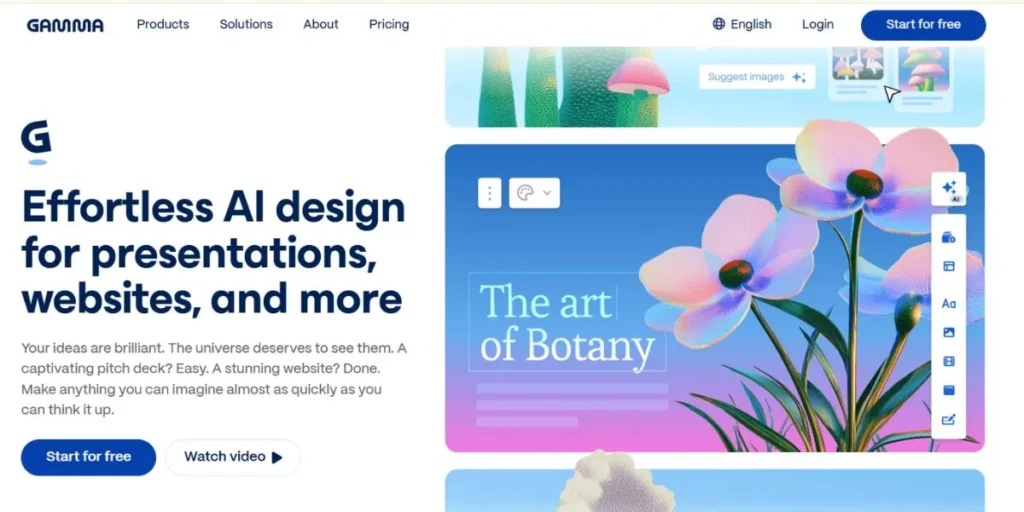
The general preference of gamma as the best AI presentation maker is common among the best AI presentation of today. Its unusual card-based web-native format generates the present-day scrollable decks that look more like an interactive site than the traditional slips. Users only need to enter a prompt or add copy and paste and Gamma will create a complete presenting, responsive presentation within seconds.
Intuitive editing capabilities, intelligent templates and effortless sharing features make Gamma ideal to anyone who prefers to achieve professional results without having to go through the design headache.
Key Features:
- Prompt-to-deck generation
- Card-based web-native format
- AI text rewriting tool
- One-click theme changer
- Shareable link publishing
Pros:
- Lightning-fast creation
- Beautiful modern designs
- No design skills needed
- Generous free plan
Cons:
- Limited offline access
- Less control over layout
- No native PowerPoint export on free plan
- Card format not for everyone
Best Use Case: Quick professional presentations fast
Who Should Use It: Marketers, freelancers, and educators
2. Beautiful.ai — Best for Design Consistency
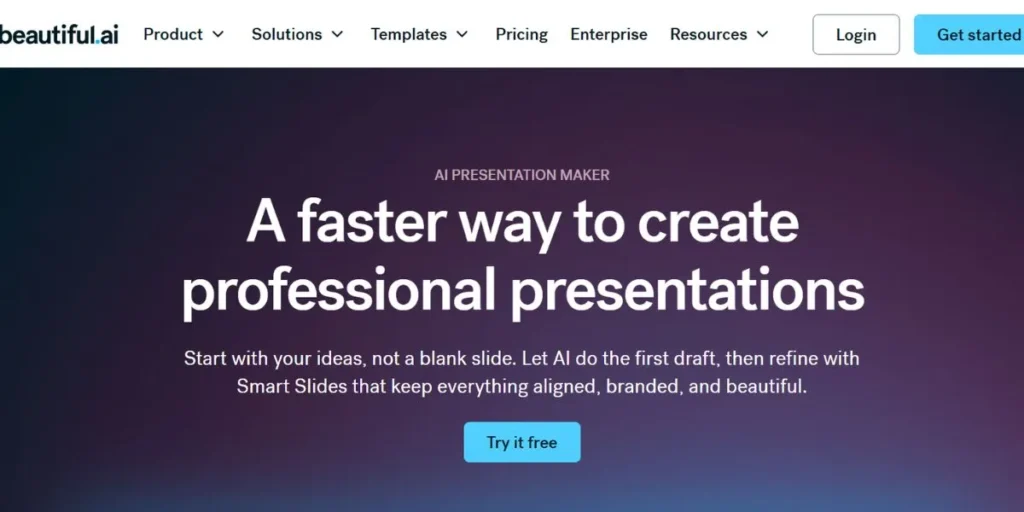
Beautiful.ai belongs to the category of the best AI presentation makers, as it addresses one of the largest issues of the inconsistency in slide creation. It uses Smart Slides technology, which is patented, to automatically scale layouts, spacing, and formatting when you add or delete content.
The outcome is a presentation that does not ever appear to be rough, regardless of how much you plunge into it. It is an excellent solution when a brand-conscious team desires that all the slides should be coherent, professional, and visually at par with the company standards.
Key Features:
- Smart Slides auto-layout
- Drag-and-drop design
- Team template library
- Brand kit integration
- Real-time collaboration
Pros:
- Consistent design output
- Easy brand management
- Strong template library
- Great for teams
Cons:
- Limited free features
- Less AI text generation
- Restricted customization
- No offline mode
Best Use Case: Brand-consistent team presentations
Who Should Use It: Marketing and design teams
3. Canva Magic Design — Best for Creatives
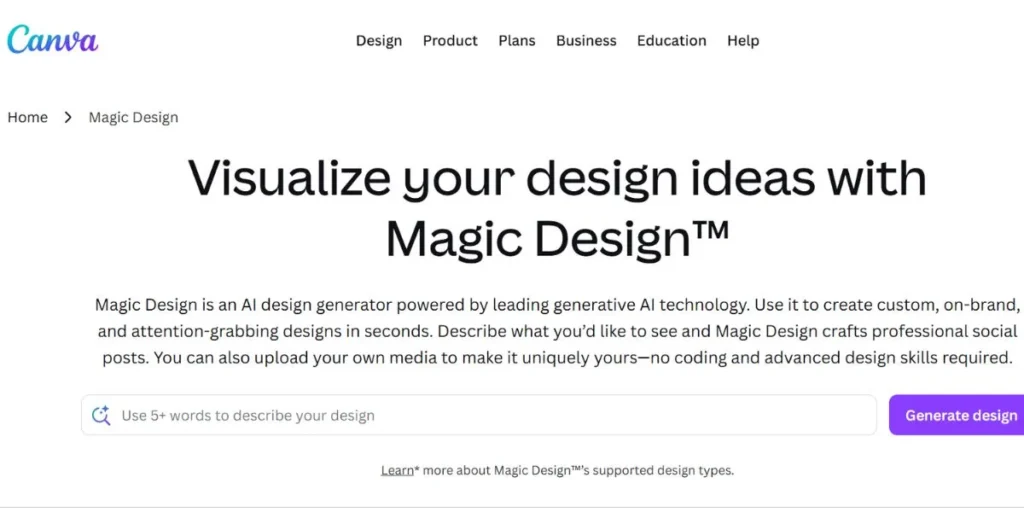
Canva has been a design powerhouse, and its Magic Design AI feature turns it into one of the most useful AI presentation makers among creative professionals. With its huge portfolio of assets in the form of photos, icons, illustrations, videos, Canva produces visually rich and eye-catching presentations based on a mere textual prompt.
The AI in Canva combines both awe-inspiring visuals and intelligent designs, regardless of whether you are creating a social media campaign deck or a marketing strategy presentation, to provide outputs that really stand out in the crowd.
Key Features:
- Magic Design AI generator
- Massive asset library
- AI image generation
- Social media templates
- Brand kit and fonts
Pros:
- Visually stunning results
- Huge content library
- Very beginner-friendly
- Great free tier
Cons:
- Heavy on visuals, light on AI text
- Exports can be slow
- Paid assets gated
- Less structured for business decks
Best Use Case: Creative and marketing presentations
Who Should Use It: Social media teams, designers, marketers
4. Microsoft Copilot for PowerPoint — Best for Enterprise
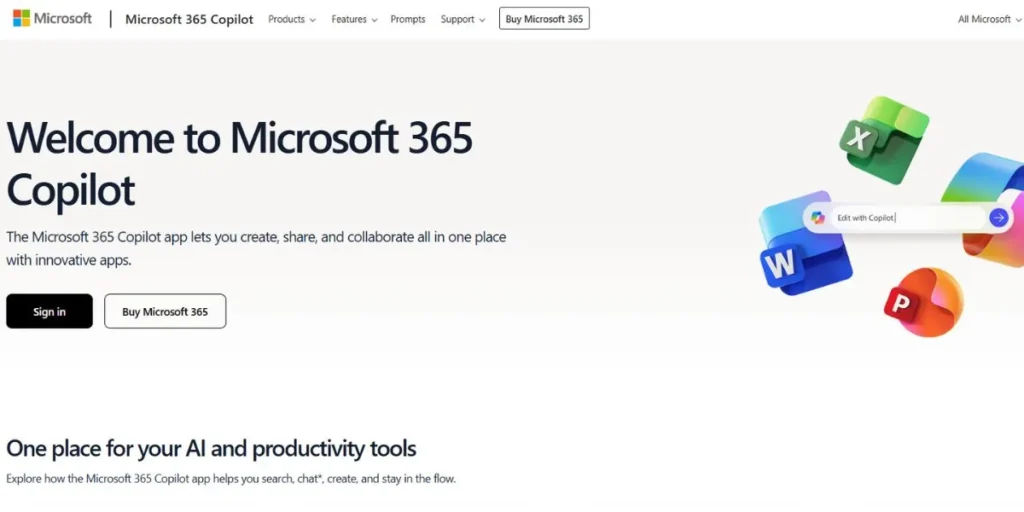
Microsoft Copilot in PowerPoint is the ultimate option in the best AI presentation makers among enterprise and corporate users that is already integrated into the Microsoft ecosystem. It is native to PowerPoint through Office 365, where it can be used to create complete slide decks out of a Word document, an Excel spreadsheet or even a typed prompt.
Being extensively integrated with Microsoft Graph, Copilot will be able to import real company data, meeting notes, and documents to create presentations that are contextually aware and on-brand and ready to go to executive boardrooms.
Key Features:
- Word/Excel to slides
- Native PowerPoint integration
- Microsoft Graph data access
- Slide summarization
- Speaker notes AI generation
Pros:
- Deep Office 365 integration
- Enterprise-grade security
- Uses company data
- Familiar PowerPoint interface
Cons:
- Requires M365 subscription
- Limited outside Microsoft ecosystem
- Steep learning curve for AI features
- No standalone free plan
Best Use Case: Corporate boardroom presentations
Who Should Use It: Enterprise teams, executives, consultants
5. Plus AI — Best for Google Slides
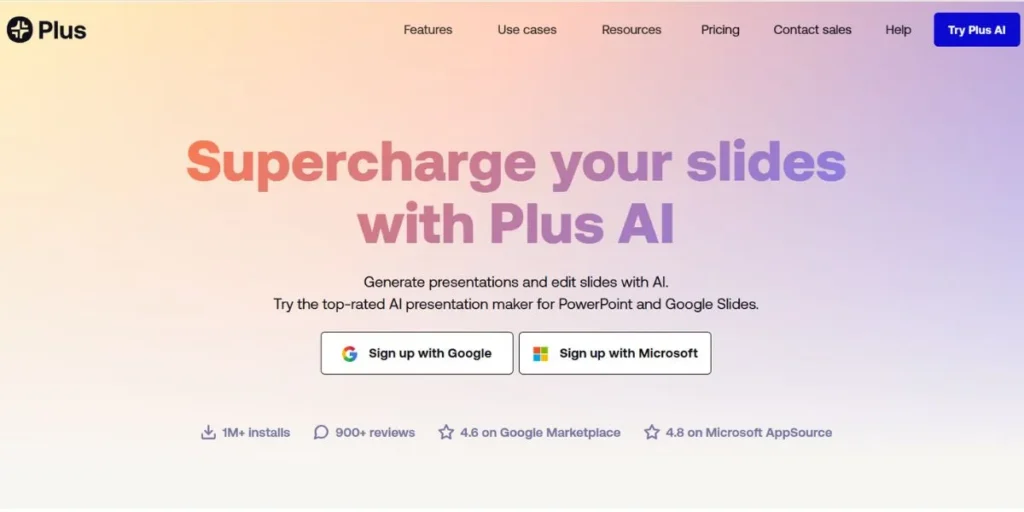
Plus AI is an excellent presentation maker of the best AI types in general, and the one everyone can use whose workflow is designed to work with Google Workspace. It is a native add-on on Google Slides and PowerPoint, and it is specialized in what it calls remixing existing presentations – reorganizing, redesigning, and updating slides with a single click.
It is also very impressive that it can directly embed live, auto-refreshing data snapshots into slides, which can be invaluable to the teams who frequently refresh decks with metrics, KPIs, and performance data.
Key Features:
- Google Slides native add-on
- Slide remixing and redesign
- Live data snapshots
- Auto-refresh integrations
- Prompt-based slide creation
Pros:
- Seamless Google Workspace integration
- Live data embedding
- Easy remix functionality
- Works in PowerPoint too
Cons:
- Limited standalone features
- Free plan is restrictive
- Relies on Google ecosystem
- No mobile app
Best Use Case: Teams using Google Workspace daily
Who Should Use It: Operations managers, analysts, Google Workspace users
6. Prezent.ai — Best for Enterprise Teams
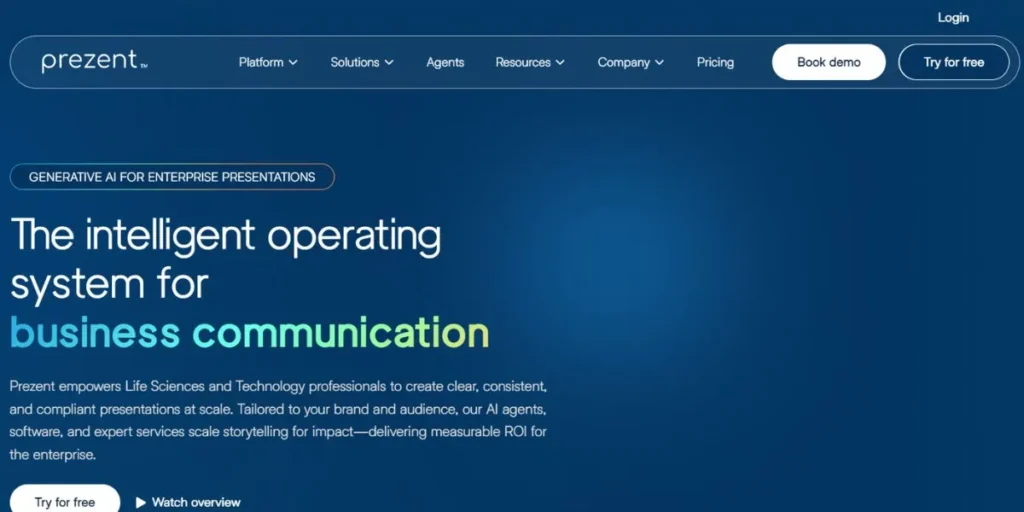
Prezent.ai is focused on the upper segment of the enterprise market, which means it is one of the most focused AI presentation makers on the list. Dedicated to brand-compliant and hyper-personalized business storytelling, Prezent is used by Fortune 2000s to make high-stakes executive presentations.
Through AI the platform decides what the audience likes, what the business represents, and what the brand should look like, creating the narratives and slide patterns that will have the most impact. It is the tool of choice in an instance where the presentation has to be perfect, convincing and perfectly on-brand.
Key Features:
- Audience personalization AI
- Brand compliance engine
- Executive story builder
- Slide fingerprinting
- Enterprise template library
Pros:
- Deep brand personalization
- Fortune 2000 trusted
- High-stakes deck quality
- Audience-aware AI
Cons:
- No free plan
- High pricing for small teams
- Complex onboarding
- Overkill for casual users
Best Use Case: Executive-level business storytelling
Who Should Use It: Enterprise sales teams, consultants, C-suite executives
7. Powerdrill Bloom — Best for Data Visualization
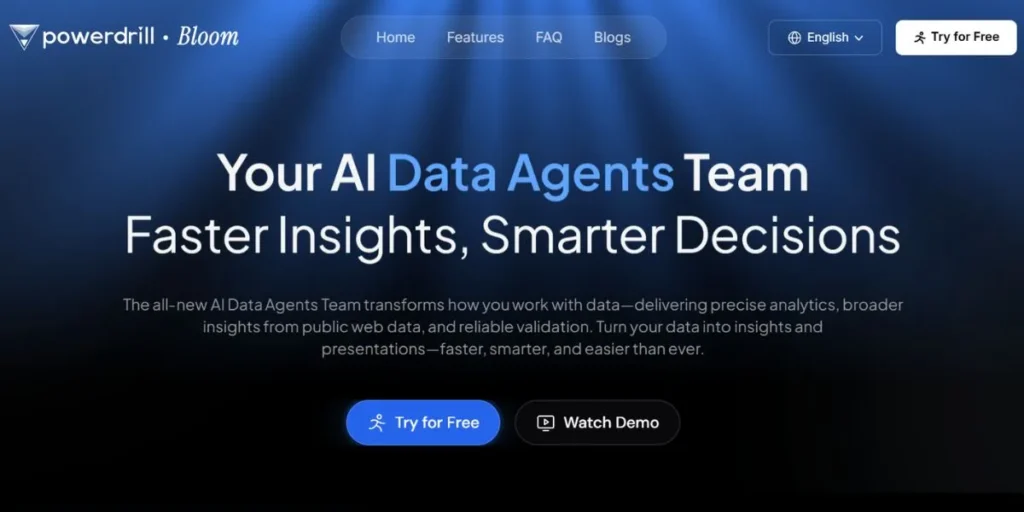
To professionals whose life lies in data, Powerdrill Bloom is among the most potent best AI presentation makers in 2026. It is an expert application, which is not only aimed at converting complicated Excel sheets,CSV files, and raw datasets into professional-quality charts, graphs, and data-driven slide stories.
Instead of taking hours to manually create charts, users will upload their data, and the AI created by Bloom will select the appropriate type of visualisation, generate insights and create a full presentation of a data story ready to impress analysts, the investor or stakeholders.
Key Features:
- CSV/Excel to charts AI
- Auto visualization selection
- Data narrative generation
- Multiple chart types
- Dashboard-style slide layouts
Pros:
- Best-in-class data visuals
- Auto chart recommendations
- Saves hours of formatting
- Great for reports
Cons:
- Limited design templates
- Not ideal for text-heavy decks
- Smaller community/ecosystem
- Learning curve for complex data
Best Use Case: Data-heavy business and research reports
Who Should Use It: Data analysts, finance teams, researchers
8. Pitch — Best for Sales Teams
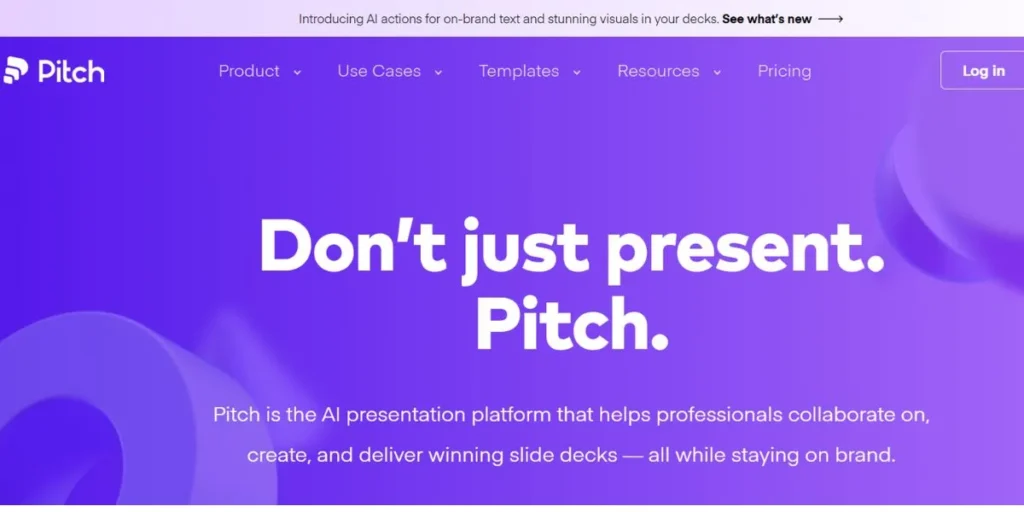
Pitch has established its very narrow niche of the AI presentation makers that are the best, and it has a monopoly there. Pitch was developed specifically to serve salespeople and has a distinct sales-focused design, including a special feature called the Pitch Room that allows the sales team and the client to collaborate in real time.
Once a deck has been dispatched, the analytics track viewer built in by Pitch will show the most recent decks viewed, number of views, duration of view, etc., providing sales reps with actionable information to follow up in a more proactive way and close deals more quickly.
Key Features:
- Pitch Room collaboration
- Viewer engagement analytics
- Sales deck templates
- AI slide generation
- CRM-style sharing links
Pros:
- Powerful engagement tracking
- Great for remote selling
- Sleek, modern design
- Team collaboration built-in
Cons:
- Analytics limited on free plan
- Less design flexibility
- No advanced data visualization
- Best features need paid tier
Best Use Case: Sales decks and client proposals
Who Should Use It: Sales reps, account managers, business development teams
9. Prezi AI — Best for Storytelling
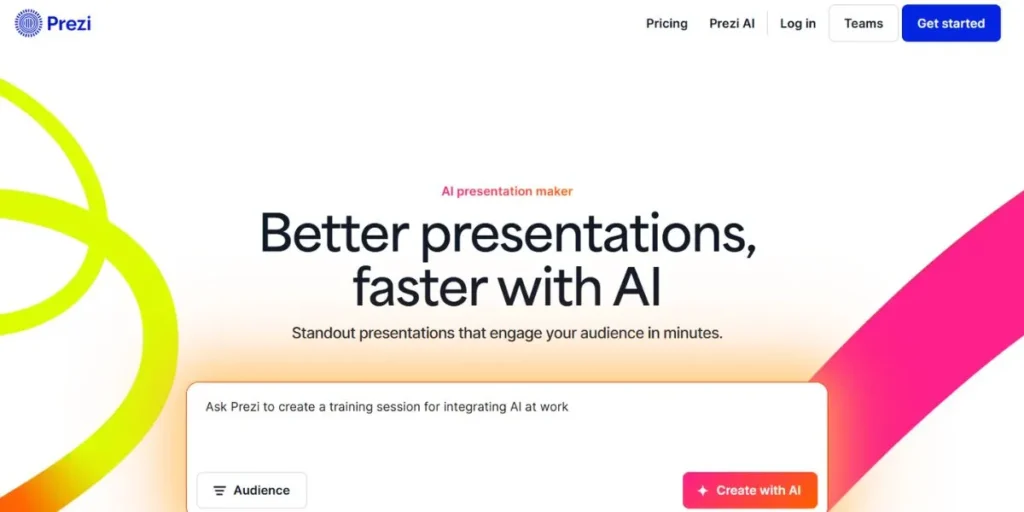
Prezi was never an ordinary presentation maker and its AI version has cemented its place as one of the most unique AI presentation makers in the world. Prezi AI is known to have a non-linear, zoomable canvas and transforms ideas and text prompts into visual journeys created with the help of artificial intelligence.
Instead of conventional linear slides, the audience is exposed to a moving and dynamic story that pans in and out of a huge image screen. That is why Prezi AI is the best option for educators, inspirational speakers, and keynote presenters, as they want their presentations to be really interesting and engaging.
Key Features:
- Non-linear zoomable canvas
- AI story path generation
- Cinematic transitions
- Reusable content topics
- Presenter mode with analytics
Pros:
- Truly unique presentation style
- Highly engaging and memorable
- Great for storytelling
- Strong free plan
Cons:
- Not traditional slide format
- Steeper learning curve
- Less suitable for corporate settings
- Requires internet for full features
Best Use Case: Keynotes, TED-style talks, education
Who Should Use It: Educators, keynote speakers, trainers
10. Slidebean — Best for Startup Pitch Decks
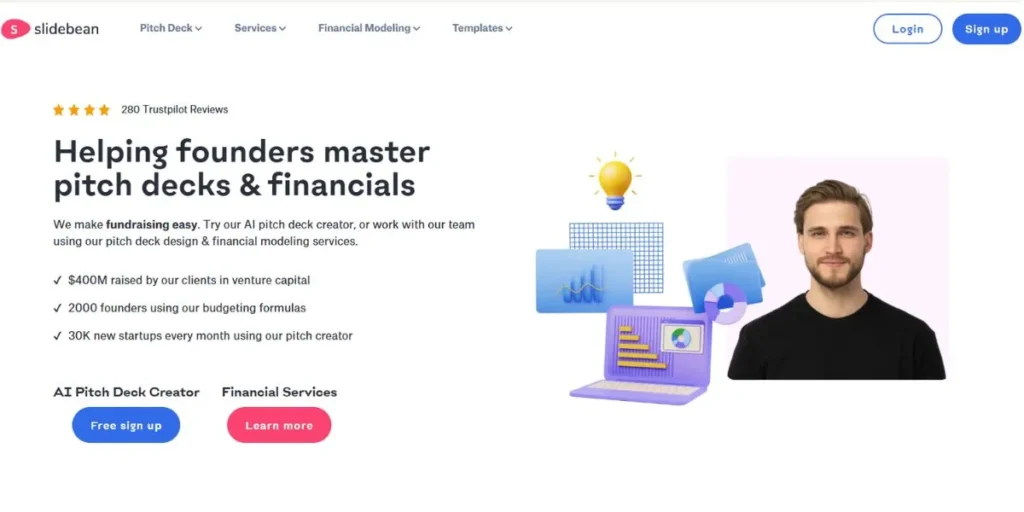
Slidebean has established itself as a laser-focused brand as one of the Best AI Presentation Makers creators among startup founders and entrepreneurs. In contrast to general presentation tools, Slidebean is designed to do fundraising, including financial modeling tools, investor-ready templates, and AI-powered slide structuring based on proven pitch deck templates.
The platform has contributed to the raising of millions of dollars in funds by thousands of startups. Slidebean is your most strategic bet in case you are going to a VC meeting, an accelerator demo day or an angel investor pitch.
Key Features:
- Startup pitch deck templates
- Financial modeling tools
- AI slide structuring
- Investor deck analytics
- Professional design service option
Pros:
- Purpose-built for fundraising
- Proven pitch structure AI
- Financial tools included
- Trusted by funded startups
Cons:
- Higher pricing than competitors
- Limited general-purpose use
- Free plan very restricted
- Design service costs extra
Best Use Case: Investor pitch and fundraising decks
Who Should Use It: Startup founders, entrepreneurs, accelerator participants
Pros & Cons of Using AI Presentation Tools
Pros
- Wastes little time: through automation of design and content structuring.
- No design ability required: AI takes layouts, fonts, and colour schemes.
- Stable quality: of all the slides, no matter the level of user experience.
- User-friendly updates: simply re-prompt or edit texts and layouts, auto-reform.
- Teamwork-based: teamwork with real-time editing on the cloud.
- Scalable to any requirement: 1-pagers to 100-slide enterprise decks.
Cons
- Generic output risk: The decks generated by AI might appear similar to users.
- Little in-depth customisation is available on most platforms without a premium.
- Misinterpretations of AI: may require significant editing of the generated content.
- Internet addiction: Most tools require constant online access.
- Data privacy issues: when posting sensitive business data.
- It is an over-reliance risk: as time progresses, users will lose core presentation design abilities.
Pricing Guide: Free vs Paid AI Presentation Makers
| Tool | Free Plan | Paid Plan (Starting) | Best Paid Feature Unlocked |
| Gamma | 400 AI credits | $8/month | Unlimited AI generations |
| Beautiful.ai | Limited | $12/month | Full Smart Slide library |
| Canva Magic Design | Generous | $15/month | Brand kits + premium assets |
| Microsoft Copilot | None | Included in M365 (~$6+/user) | Full Office 365 integration |
| Plus AI | 5 AI uses | $10/month | Live data embedding |
| Prezent.ai | None | Custom (enterprise) | Full brand compliance engine |
| Powerdrill Bloom | Limited | $9/month | Unlimited data visualization |
| Pitch | Basic | $8/month | Viewer analytics + Pitch Rooms |
| Prezi AI | Public only | $7/month | Private decks + analytics |
| Slidebean | Very limited | $29/month | Financial tools + full templates |
Tips to Maximize AI Presentation Tools
- Write elaborate prompts: the more details you provide, the higher the quality of output of the AI.
- Work with your brand kit: Choose colors, fonts, and logos before creating slides.
- AI + human editing: never stop personalizing AI-generated content.
- Insert actual data: applications such as Bloom are most appropriate when provided with real CSV or Excel data.
- Rapidly repeat: make up slides as you choose until the structure is comfortable to your audience.
- Templates: use an industry-specific template as a guide to the structure of the AI.
Conclusion
The Best AI Presentation Makers of 2026 have simplified this more than ever before, allowing one to present quality, compelling, and visually appealing presentations within a fraction of the time. You may need a fast deck to discuss potential business opportunities with your colleagues, a professional investor pitch, a data-driven business presentation, or an inspiring keynote presentation, and an AI-powered tool will perfectly suit your needs.
The trick is to find the appropriate tool to your use case, budget and workflow. Begin with a complimentary plan, evaluate the quality of AI and increase its size when you discover the right match. The presentations of tomorrow are here now – and they are smarter than ever.
Explore more About:
FAQs
Which is the best free AI presentation maker in 2026?
Both Gamma and Canva Magic Design have the most liberal free plans with powerful AI capabilities – excellent in the case of individuals and small teams who cannot afford it.
Will AI presentation tools be able to substitute PowerPoint?
For many users, yes. Applications such as Microsoft Copilot in PowerPoint and Plus AI do make power point better but other technologies such as Gamma provide an attractive web-native substitute.
Do the AI presentation tools ensure safety of confidential business information?
Powerful security measures are provided by such enterprise tools as Prezent.ai and Microsoft Copilot. When uploading sensitive data, it is always important to read the privacy policy of a given tool.
What presentation tool in AI is the most suitable one that startup founders should use?
Slidebean is specifically designed to create pitch decks to be used by startups as well as financial models and investor-ready templates that can be used to raise funds.
What is the time required to produce a presentation using AI?
The majority of the Best AI Presentation Makers require taking less than 60 seconds to create a draft presentation based on a text prompt, although the time spent on refining and customizing the deck can be more.